系统环境:
操作系统:RedHat EL5
Cluster: Oracle CRS 10.2.0.1.0
Oracle: Oracle 10.2.0.1.0
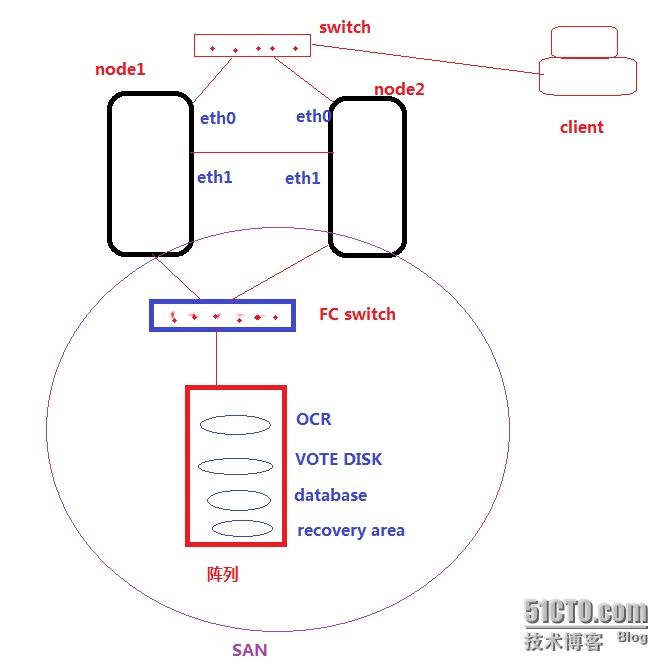
如图所示:RAC 系统架构
三、安装Orancle 软件
在构建、配置完成CRS以后,就可以安装Oracle软件
安装需采用图形化方式,以Oracle用户的身份安装(在node1上):
注意:修改安装配置文件,增加redhat-5的支持
[[email protected] install]$ pwd
/home/oracle/database/install
[[email protected] install]$ ls
addLangs.sh images oneclick.properties oraparamsilent.ini response
addNode.sh lsnodes oraparam.ini resource unzip
[[email protected] install]$ vi oraparam.ini
[Certified Versions]
Linux=redhat-3,SuSE-9,redhat-4,redhat-5,UnitedLinux-1.0,asianux-1,asianux-2
[[email protected] Disk1]$./runInstaller
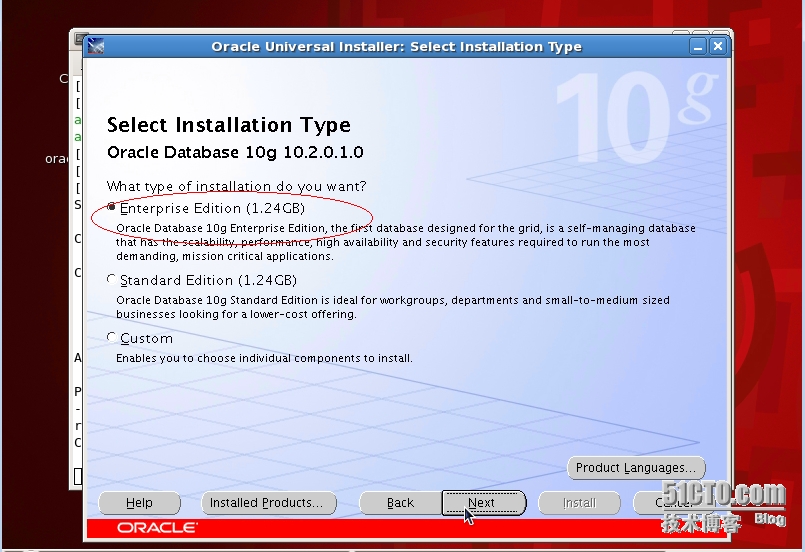
安装Oracle 企业版
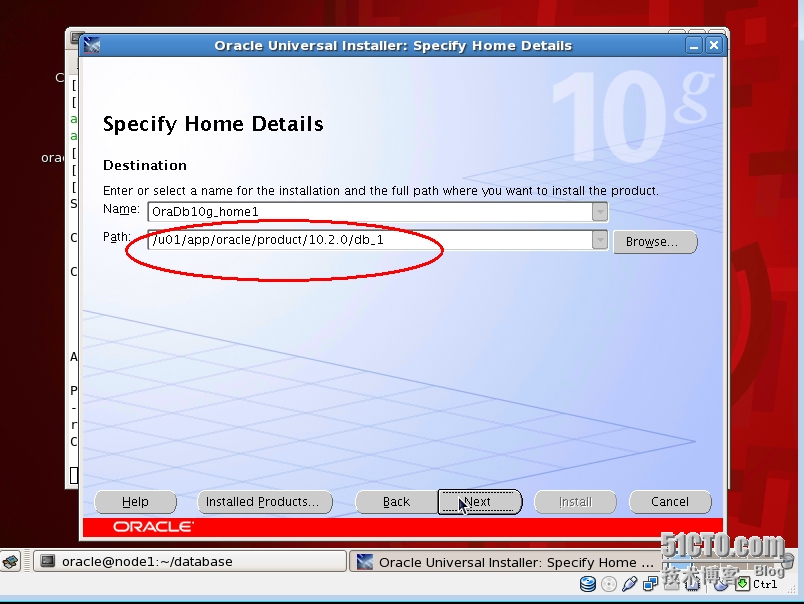
注意安装路径
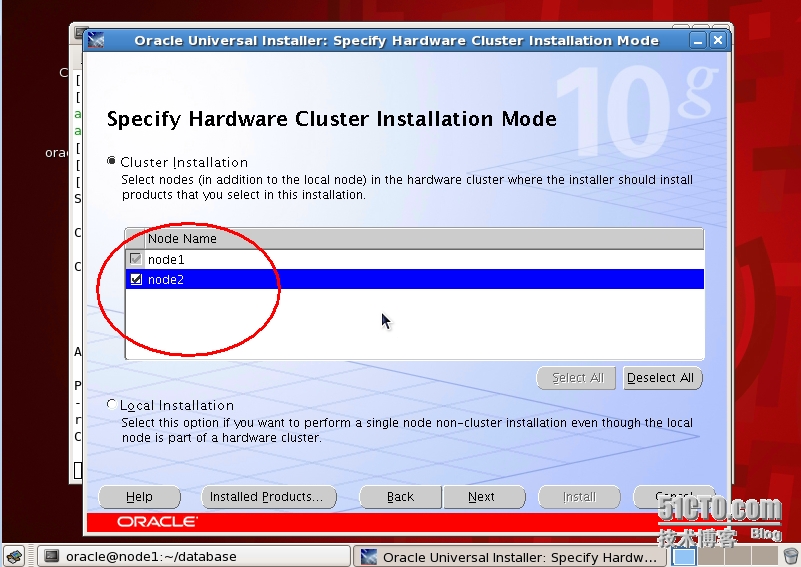
选择所有node
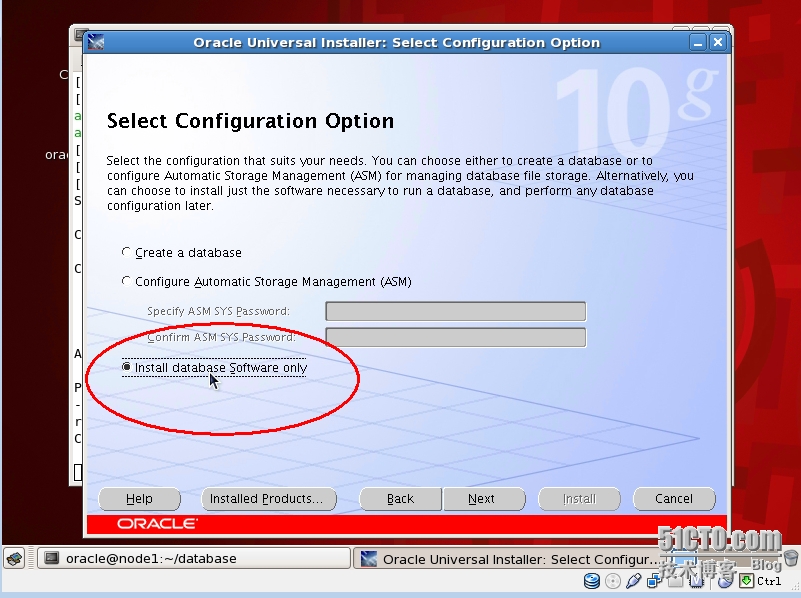
只安装软件
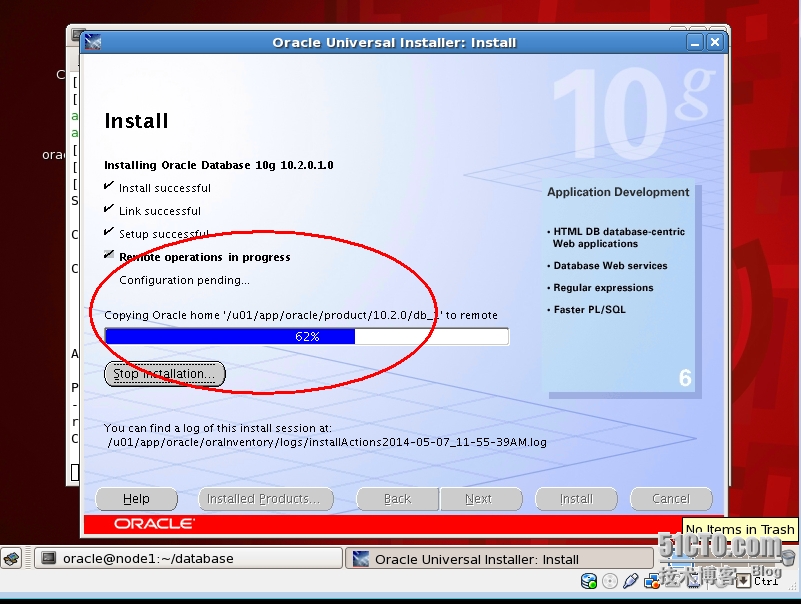
开始安装和传送软件到node2
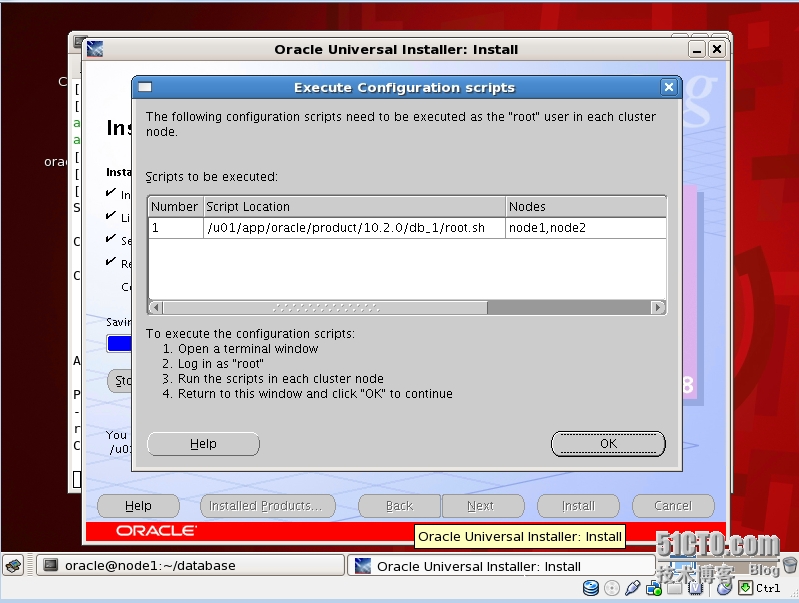
分别在node1和node2,按顺序执行script
node1:
[[email protected] ~]# /u01/app/oracle/product/10.2.0/db_1/root.sh
|
1
2
3
4
5
6
7
8
9
10
11
12
13
14
15
16
17
18
19
20
21
22
23
24
25
26
27
28
|
Running Oracle10 root.sh script...The following environment variables are set as:
ORACLE_OWNER= oracle
ORACLE_HOME= /u01/app/oracle/product/10.2.0/db_1
Enter the full pathname of the local bin directory: [/usr/local/bin]: Copying dbhome to /usr/local/bin ...
Copying oraenv to /usr/local/bin ...
Copying coraenv to /usr/local/bin ...
Creating /etc/oratab file...Entries will be added to the /etc/oratab file as needed by
Database Configuration Assistant when a database is createdFinished running generic part of root.sh script.Now product-specific root actions will be performed.node2:Running Oracle10 root.sh script...The following environment variables are set as:
ORACLE_OWNER= oracle
ORACLE_HOME= /u01/app/oracle/product/10.2.0/db_1
Enter the full pathname of the local bin directory: [/usr/local/bin]: Copying dbhome to /usr/local/bin ...
Copying oraenv to /usr/local/bin ...
Copying coraenv to /usr/local/bin ...
Creating /etc/oratab file...Entries will be added to the /etc/oratab file as needed by
Database Configuration Assistant when a database is createdFinished running generic part of root.sh script.Now product-specific root actions will be performed. |
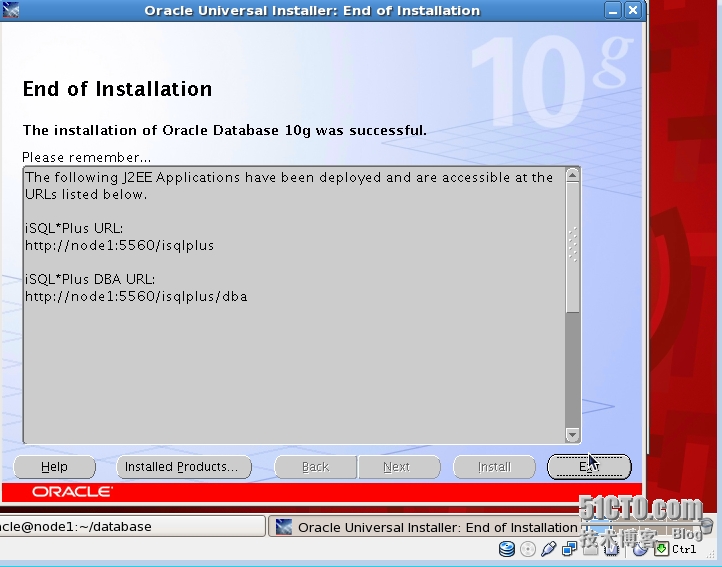
完成安装!