一、添加“OLDER POSTS”按钮
Clean Blog模板的首页除了4篇文章,还有一个"OLDER POSTS"的按钮链接,下面我们来看如何添加。
打开/templates/aldryn_newsblog/plugins/目录下的latest_articles.html,可以看到它的代码:
3 |
{% for article in article_list %}
|
4 |
{% include "aldryn_newsblog/includes/article.html" with namespace=instance.app_config.namespace %}
|
6 |
<p>{% trans "No items available" %}</p>
|
从上面的代码我们可以看到,它通过for循环遍历我们的4篇文章,将这些信息传递给article.html。
用下面的代码:
1 |
<div class="post-preview">
|
2 |
{% include "aldryn_newsblog/includes/article.html" with namespace=instance.app_config.namespace %}
|
替换原有的:
1 |
{% include "aldryn_newsblog/includes/article.html" with namespace=instance.app_config.namespace %}
|
并在最末尾添加如下代码:
4 |
<a href="#">Older Posts →</a>
|
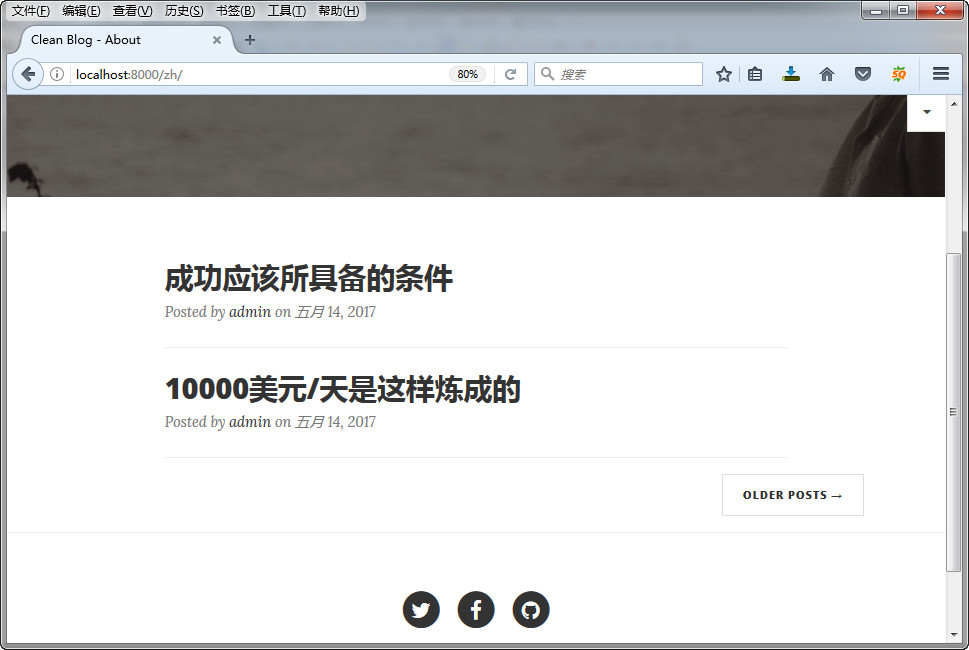
添加后的效果:

二、修改样式
打开templates/aldryn_newsblog/includes下面的article.html,
用
{% render_model article "title" "" "" "striptags" %}
替换原来的:
{% render_model article "title" %}
用
{% render_model article "lead_in" "" "" "truncatewords:'20'|striptags" %}
替换原来的:
{% render_model article "lead_in" "" "" "truncatewords:'20'" %}
用
{% render_model article "lead_in" "" "" "striptags" %}
替换原来的:
{% render_model article "lead_in" %}
用:
{{ article.publishing_date|date:"F d, Y" }}
替换原来的:
{{ article.publishing_date|date }}
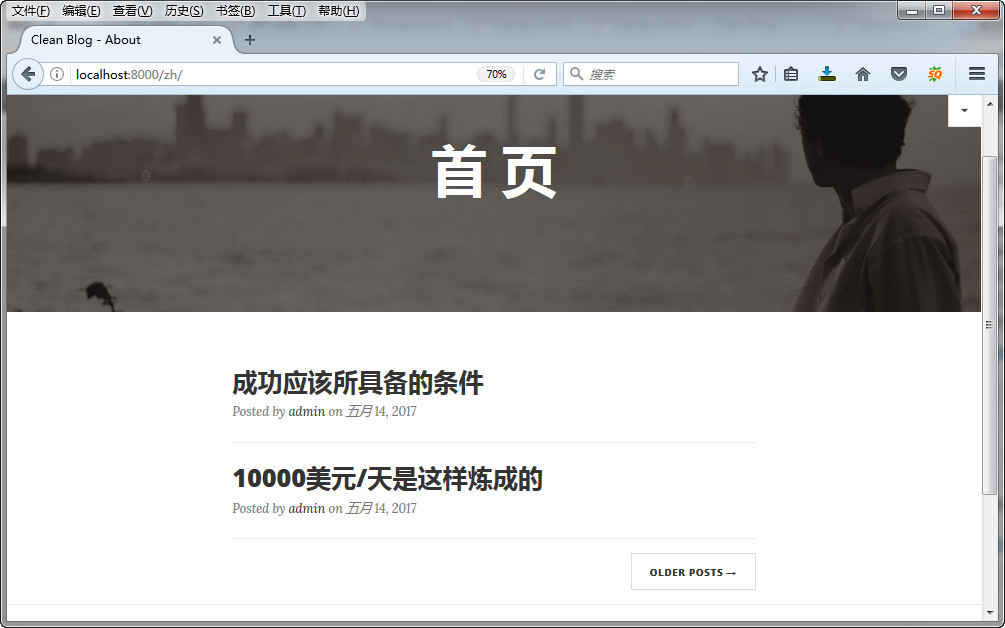
替换之后的效果图:

三、修改OLDER POSTS链接
打开templates/aldryn_newsblog/plugins/ 下面的latest_articles.html,将第一行的代码改成:
{% load i18n apphooks_config_tags %}
然后用:
1 |
<a href="{% namespace_url "article-list" namespace=instance.app_config.namespace default='' %}">Older Posts →</a>
|
替换原来的:
1 |
<a href="#">Older Posts →</a>
|
Django cms 教程