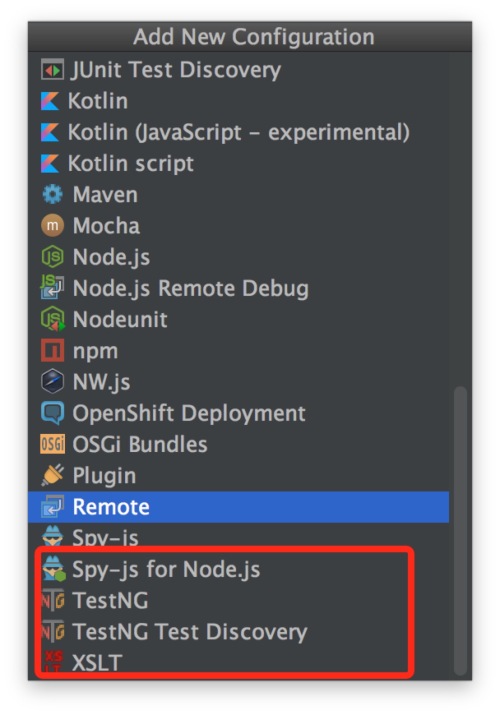
对于IDEA找不到tomcat的选项解决方案

默认的run/debug configurations中是没有tomcat选项的
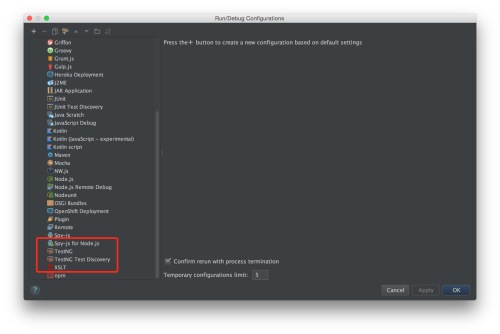
idea编译器没有tomcat的选项解决方案

点击+号后也是没有的

idea编译器没有tomcat的选项解决方案

原因是咩有增加对应的插件,默认是没有tomcat的,点击最上边的菜单“IntelliJ IDEA”然后选择“Preferences”

1.进入Settings
File-->Settings

2.搜索tomcat,勾选插件

idea编译器没有tomcat的选项解决方案


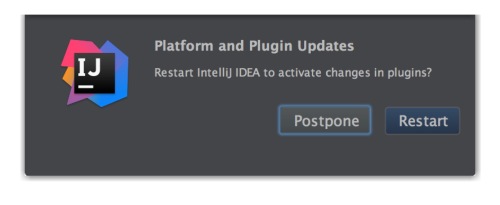
确定后重启IDEA

idea编译器没有tomcat的选项解决方案

重启后再次进入run/debug configurations就可以看到了
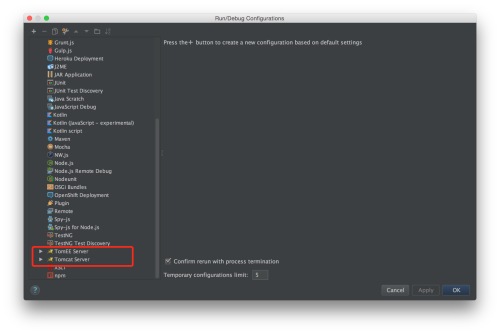
idea编译器没有tomcat的选项解决方案

可以看到已经有tomcat选项了,下边就可以继续开搞了tomcat配置了

相关文章:

  • 2021-07-22
  • 2021-10-05
  • 2021-09-14
  • 2021-11-14
  • 2021-08-14
  • 2021-11-23
  • 2021-10-05
  • 2021-03-31
猜你喜欢
  • 2022-01-06
  • 2021-10-13
  • 2021-06-08
  • 2021-12-01
  • 2021-12-17
  • 2021-11-19
  • 2021-10-05
相关资源
相似解决方案