|
1
2
3
4
5
6
7
8
9
10
11
12
13
14
15
16
17
18
19
20
21
22
23
24
25
26
27
28
29
30
31
32
33
34
35
36
37
38
|
我的博客已迁移到xdoujiang.com请去那边和我交流简介most is a paging program that displays,one windowful at a time,the contents of a file on a terminal.
It pauses after each windowful and prints on the window status line the screen the file name,
current line number, and the percentage of the file so far displayed.
一、debian1、安装包apt-get -y install most
2、在.bashrc最后1行添加export PAGER="/usr/bin/most -s"
3、生效source .bashrc
二、centos1、直接在.bashrc最后1行添加man函数
man ()
{env \
LESS_TERMCAP_mb=$(printf "\e[1;31m") \
LESS_TERMCAP_md=$(printf "\e[1;31m") \
LESS_TERMCAP_me=$(printf "\e[0m") \
LESS_TERMCAP_se=$(printf "\e[0m") \
LESS_TERMCAP_so=$(printf "\e[1;44;33m") \
LESS_TERMCAP_ue=$(printf "\e[0m") \
LESS_TERMCAP_us=$(printf "\e[1;32m") \
man "[email protected]"
}2、yum方式安装mostyum -y install most
三、参考http://www.cyberciti.biz/faq/unix-linux-color-man-pages-configuration/
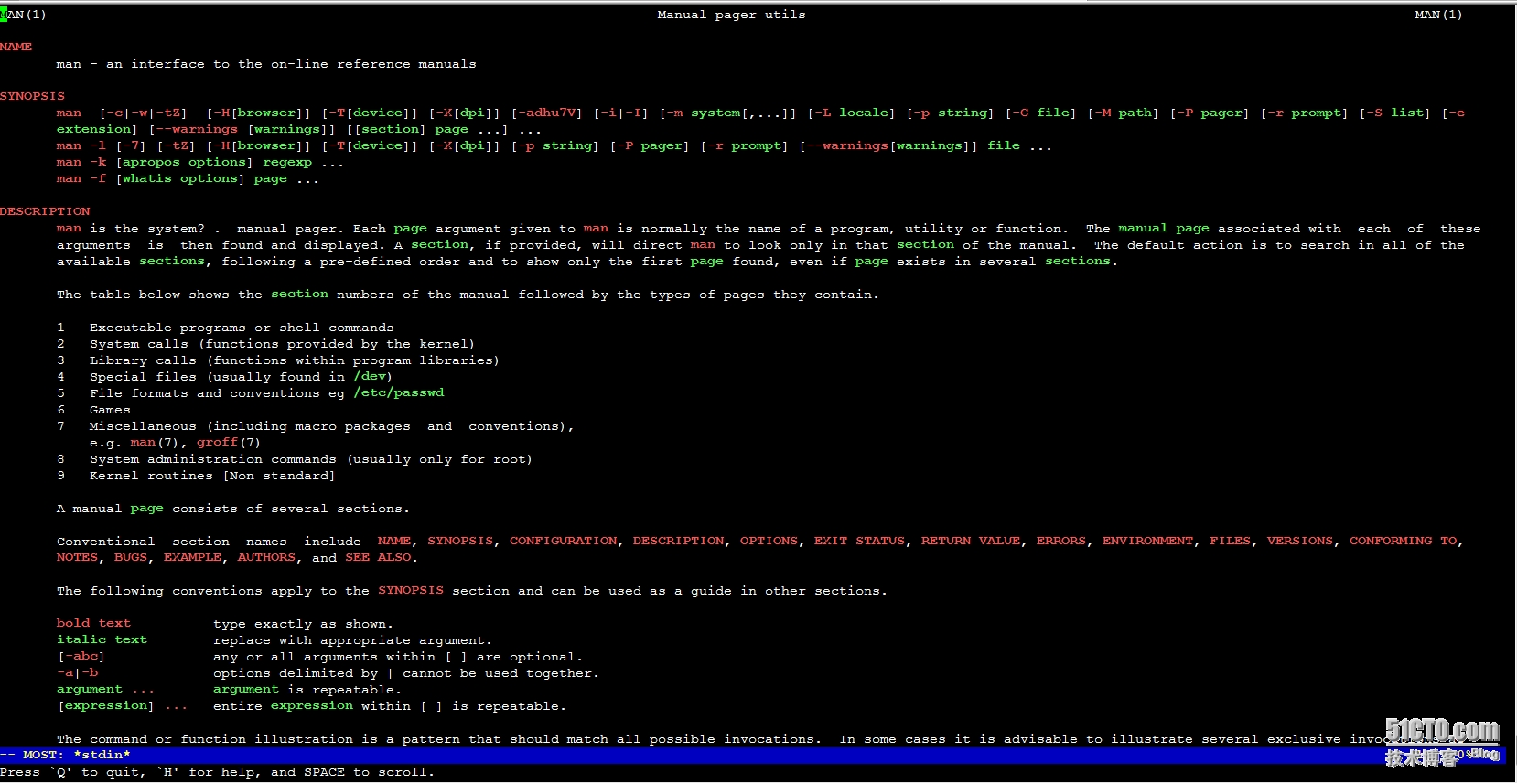
四、直接上图 |
本文转自 xdoujiang 51CTO博客,原文链接:http://blog.51cto.com/7938217/1655616,如需转载请自行联系原作者