phpStudy 我用的是php5.5版本 默认XDebug扩展都安装完成了 就不讲怎么安装了 。
1.打开php.ini文件修改如下:
[XDebug]
xdebug.profiler_append = 0
xdebug.profiler_enable = 1
xdebug.profiler_enable_trigger = 0
xdebug.profiler_output_dir="F:\phpstudy\PHPTutorial\tmp\xdebug"
xdebug.profiler_output_dir="F:\phpstudy\PHPTutorial\tmp\xdebug"
xdebug.trace_output_dir="F:\phpstudy\PHPTutorial\tmp\xdebug"
xdebug.remote_enable = 1
xdebug.remote_handler = "dbgp"
xdebug.remote_host = "127.0.0.1"
xdebug.remote_port = 9000
xdebug.idekey = phpstorm-xdebug
zend_extension="F:\phpstudy\PHPTutorial\php\php-5.5.38\ext\php_xdebug-2.5.1-5.5-vc11-nts.dll"
配置如上
2.修改PHPStorm配置
图1 打开设置
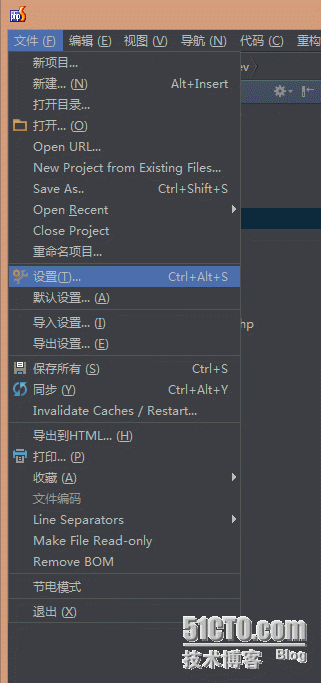
图2 搜索xdebug 端口信息修改 如果是9000 就不用修改
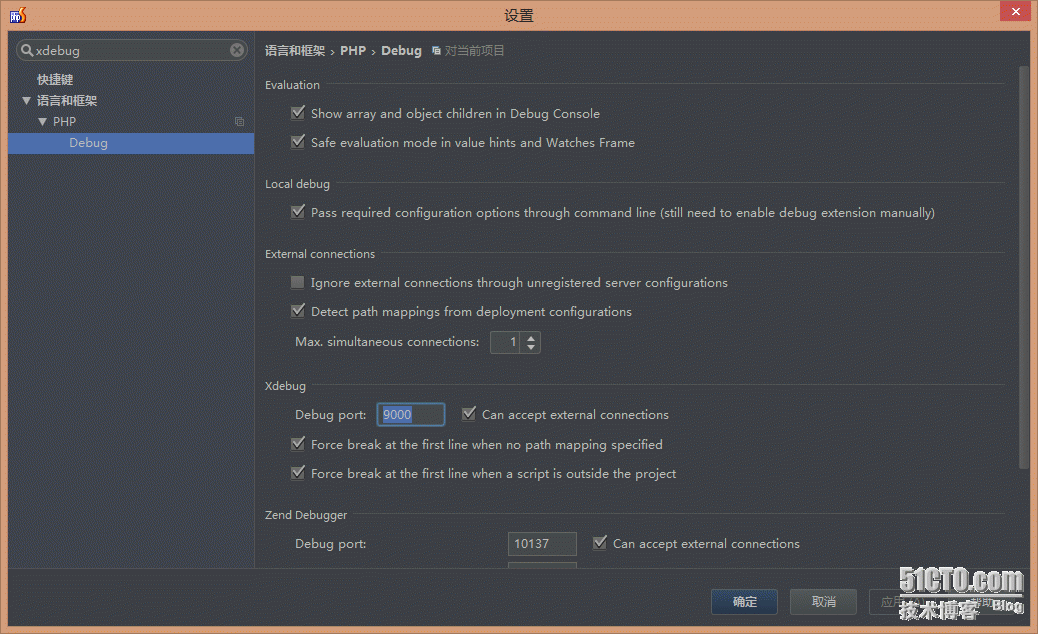
图3 配置host端口 IDE key (注意要与php.ini 保持一致)
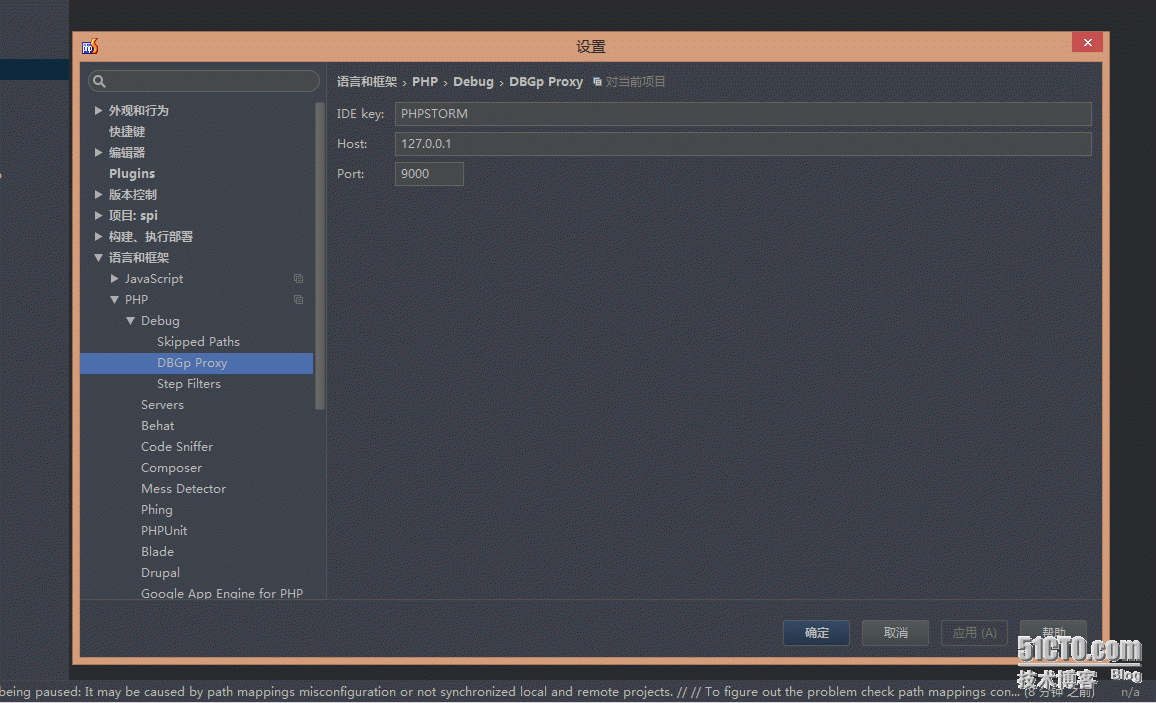
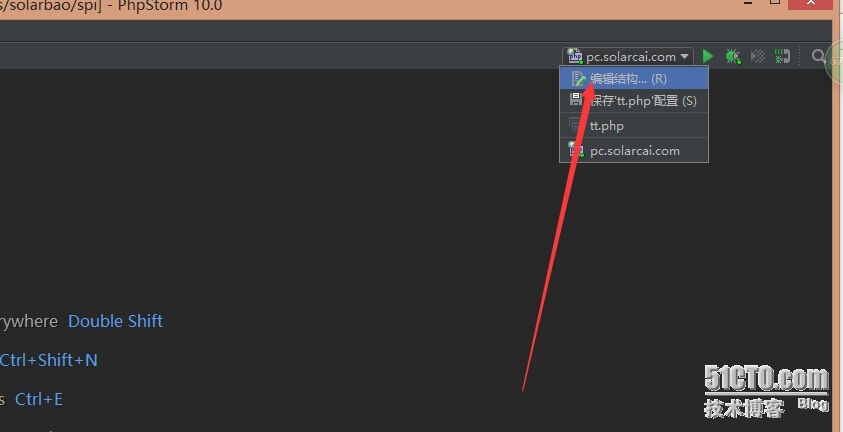
图4 配置PHP解释器的路径
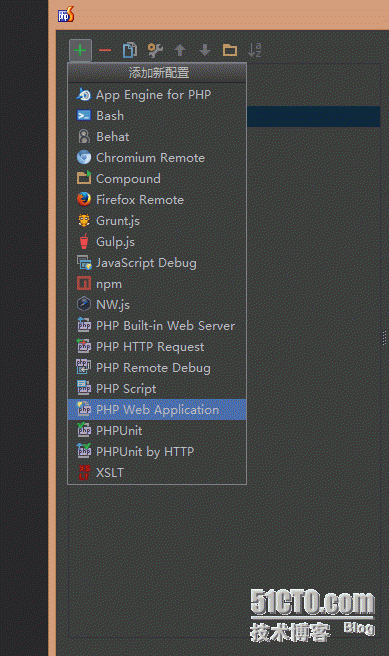

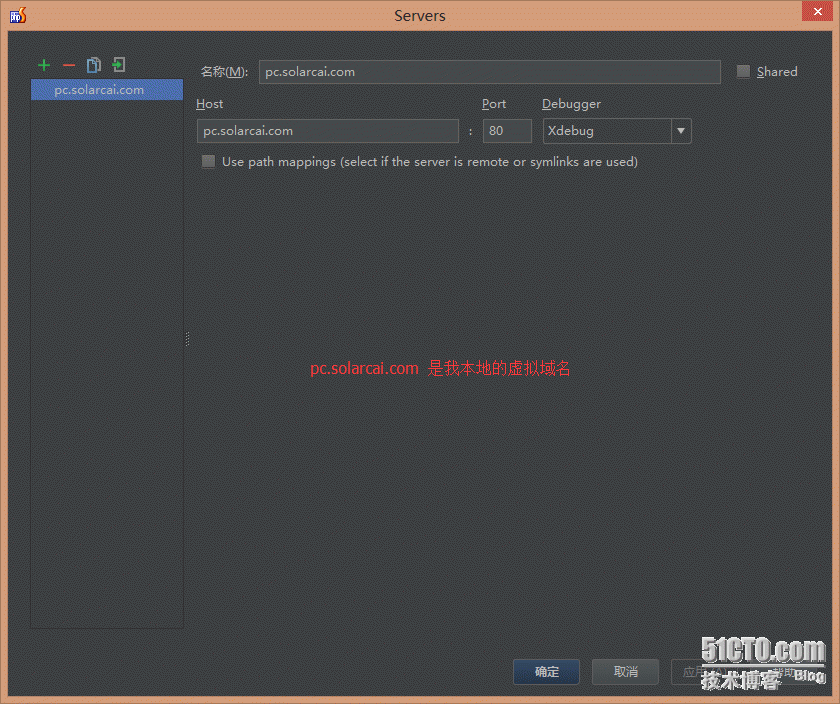
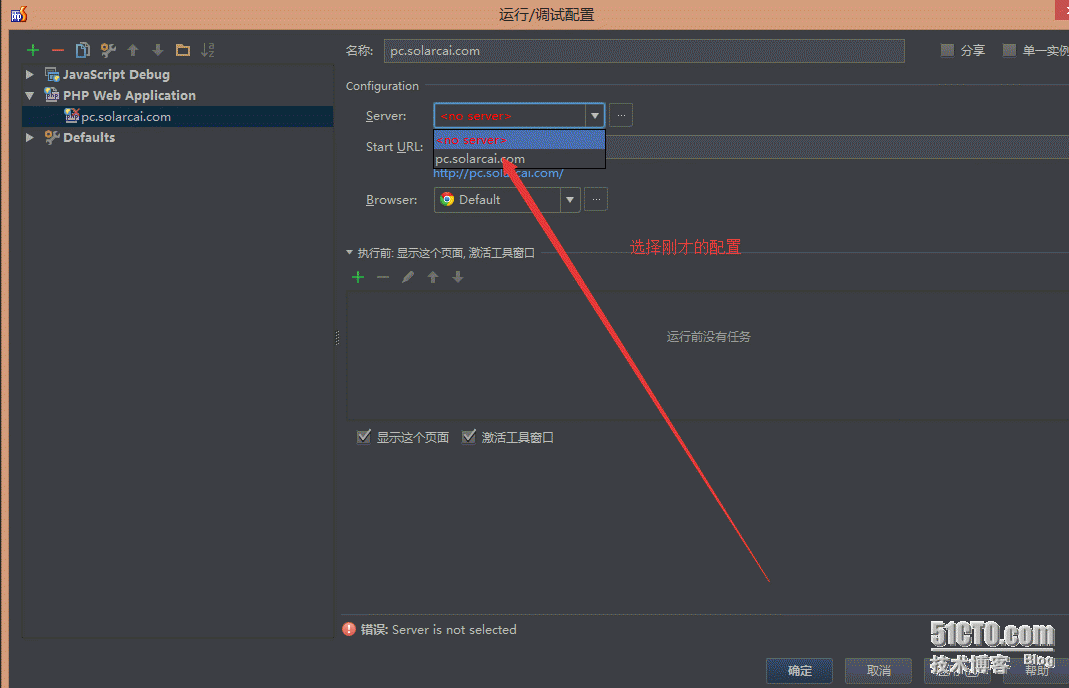
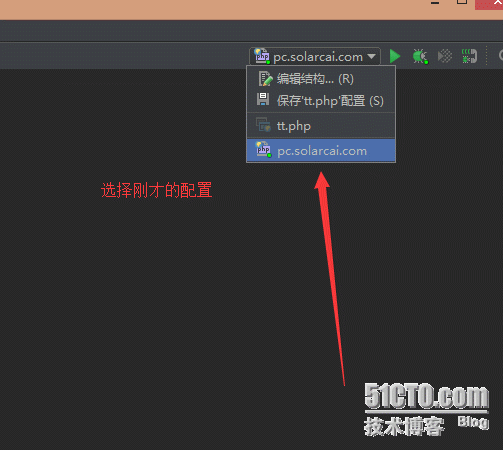
打开我的 代码
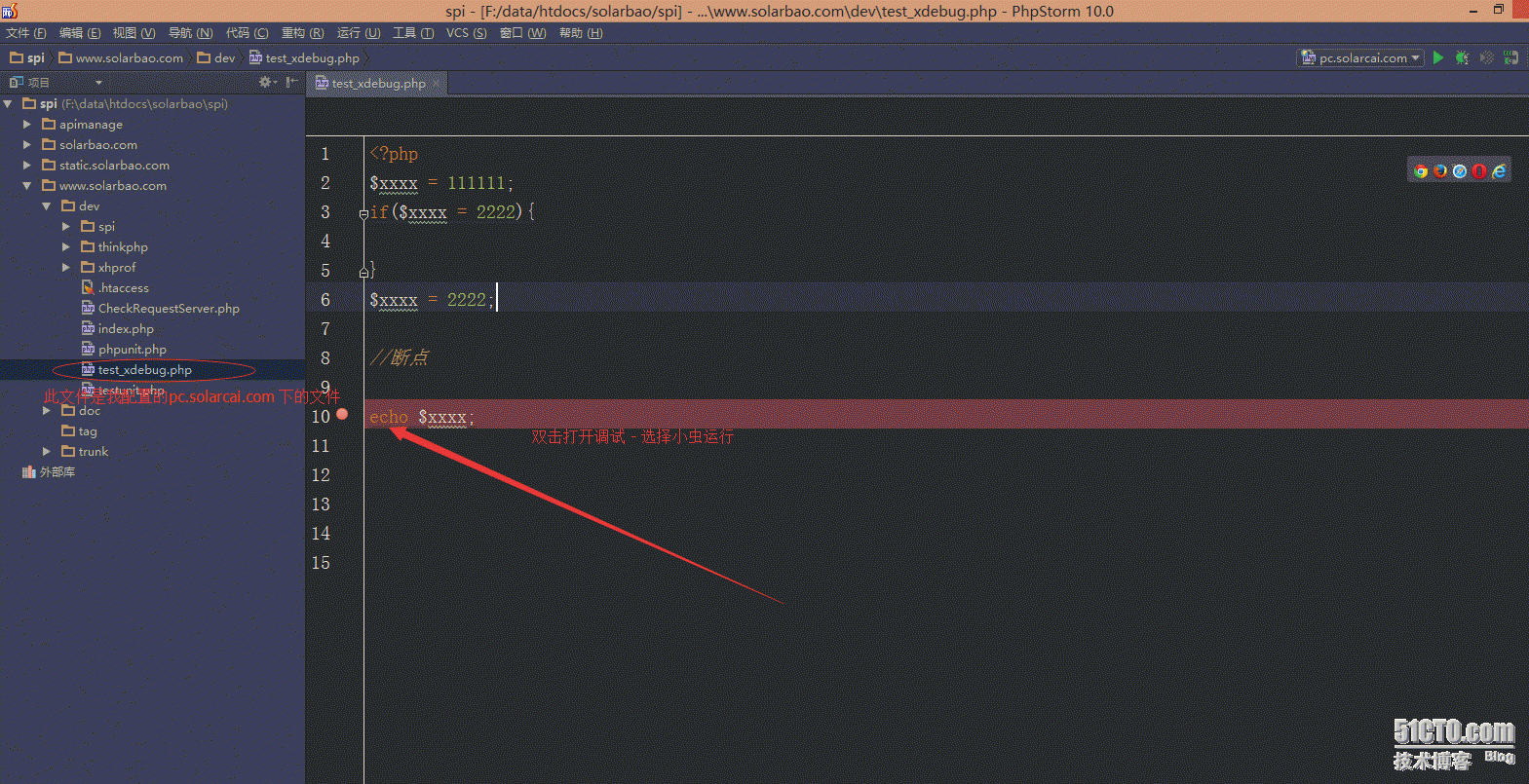
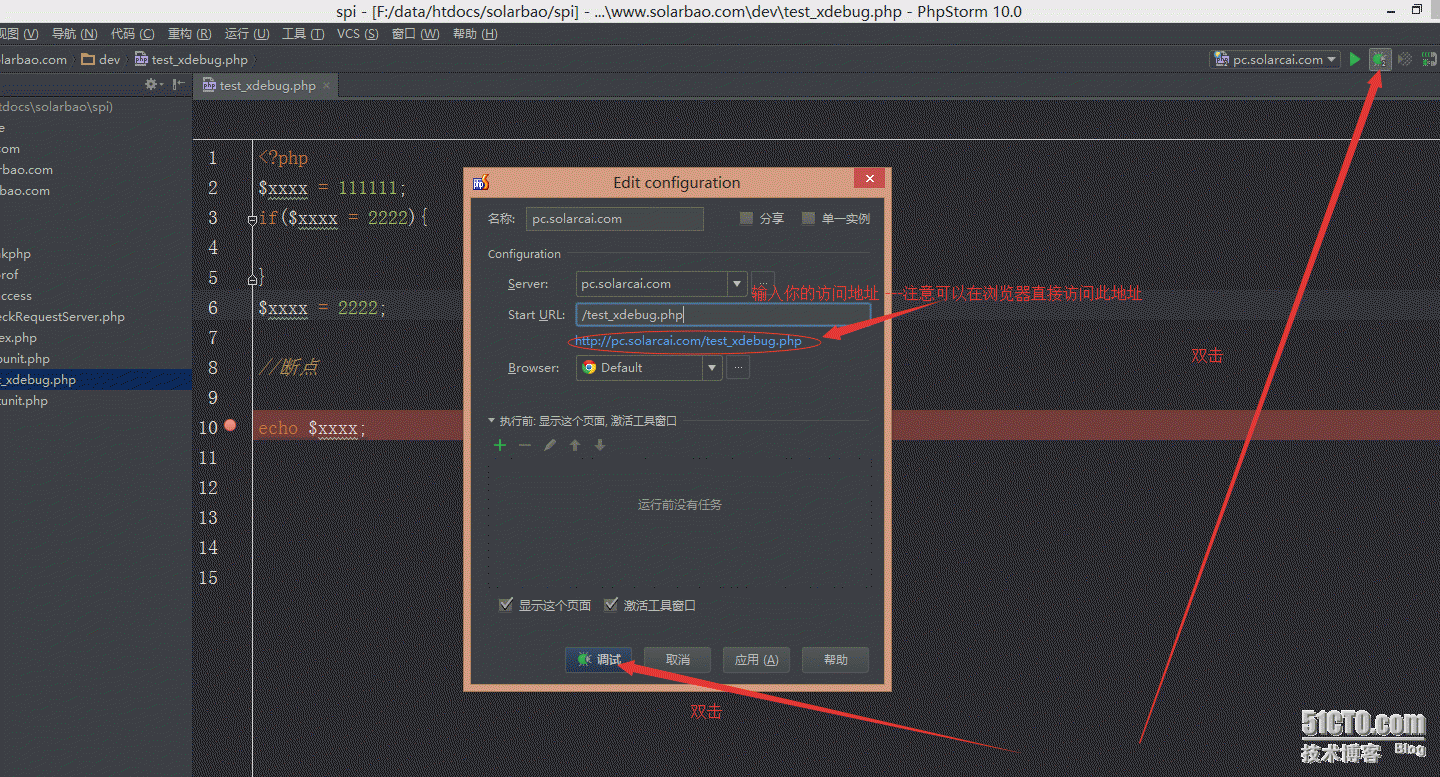
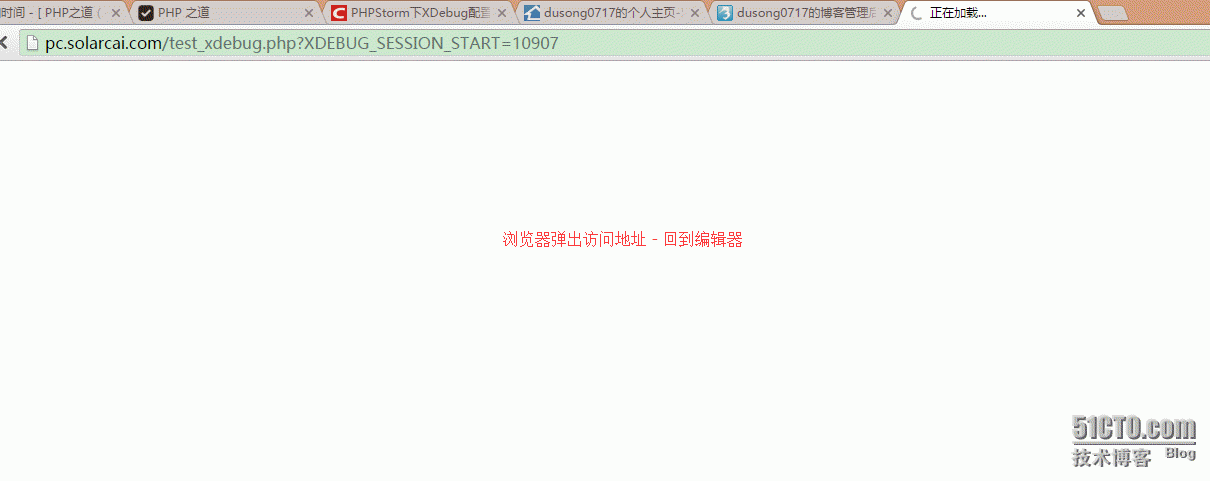
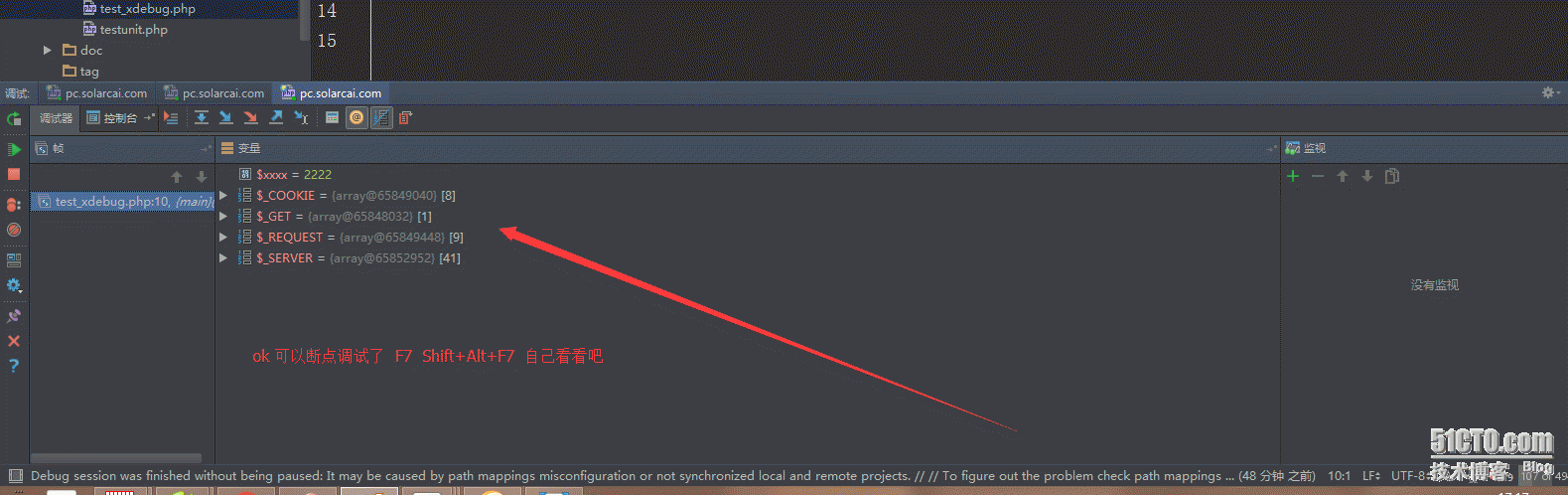
3常见问题
打开我的 代码
3常见问题
访问页面准备进入断点时,PHPStorm报错:Cannot accept external Xdebug connection: Cannot evaluate expression‘isset($_SERVER[‘PHP_IDE_CONFIG‘])‘;
导致此问题的一个可能原因是:服务器端的php.ini中配置了:
extension=/path/xdebug.so
应该只保留下面一个:
zend_extension=/path/xdebug.so
参考资料
1 phpStorm+XDebug进行断点调试的配置
http://www.chenxuanyi.cn/xampp-phpstorm-xdebug.html
2利用下面网页中的Start debug按钮在COOKIE中设置Xdebug所需的变量。
http://www.jetbrains.com/phpstorm/marklets/
3 Cannot accept external Xdebug connection:Cannot evaluate expression ‘isset($_SERVER[‘PHP_IDE_CONFIG‘])
http://devnet.jetbrains.com/message/5463083?tstart=0
---------------------
作者:qq_27229113
来源:CSDN
原文:https://blog.csdn.net/qq_27229113/article/details/78567872
版权声明:本文为博主原创文章,转载请附上博文链接!