FROM: http://tecadmin.net/install-opera-web-browser-in-centos-rhel-fedora/
Opera is an modern web browser with modern style with powerful features. Its Off-Road mode compresses pages for faster, all-conditions browsing. It helps you stay online when your connection slows down.

This article will help you to install Opera on your CentOS/RHEL and Fedora Systems. Before installing read System requirements for Opera. To know more about changes in Opera read Changelogs.
Step 1: Download Opera RPM Packages
To download latest opera version for your Linux distribution go to Opera download page. You can also use below links to download opera 12.16 for CentOS/RHEL and Fedora systems directly from command line.
For 32bit Systems:
# wget http://get.geo.opera.com/pub/opera/linux/1216/opera-12.16-1860.i386.rpm
For 64bit Systems:
# wget http://get.geo.opera.com/pub/opera/linux/1216/opera-12.16-1860.x86_64.rpm
Step 2: Install Opera Package
After downloading Opera rpm packages, lets install it using rpm command line utility.
# rpm -ivh opera-12.16-1860.i386.rpm
[or]
# rpm -ivh opera-12.16-1860.x86_64.rpm
Step 3: Start Opera
After successfully installed opera web browser, use following command to open browser from GUI interface or use GUI menu to start it.
# opera
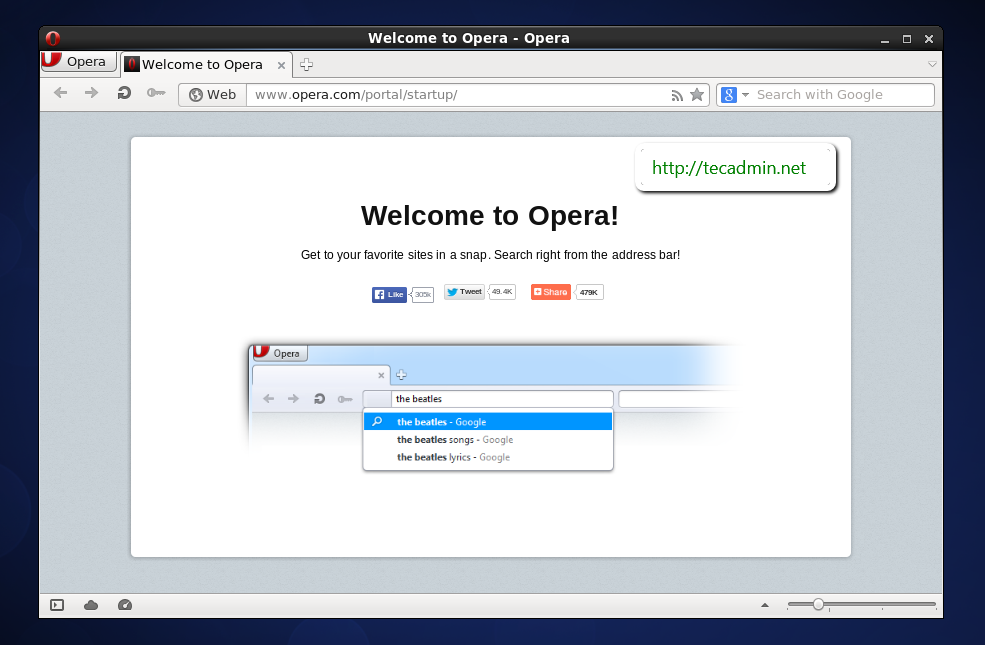
Congratulation’s! you have successfully installed Opera web browser. Enjoy the surfing and be safe from cyber hackers.