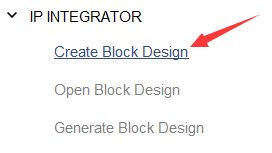
新建bd文件。
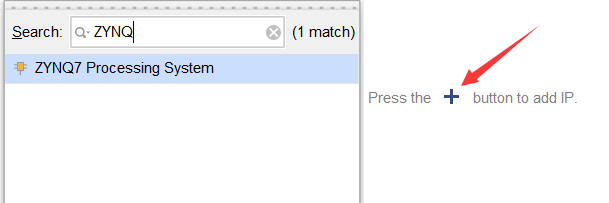
点击+号,添加ZYNQ处理器模块。
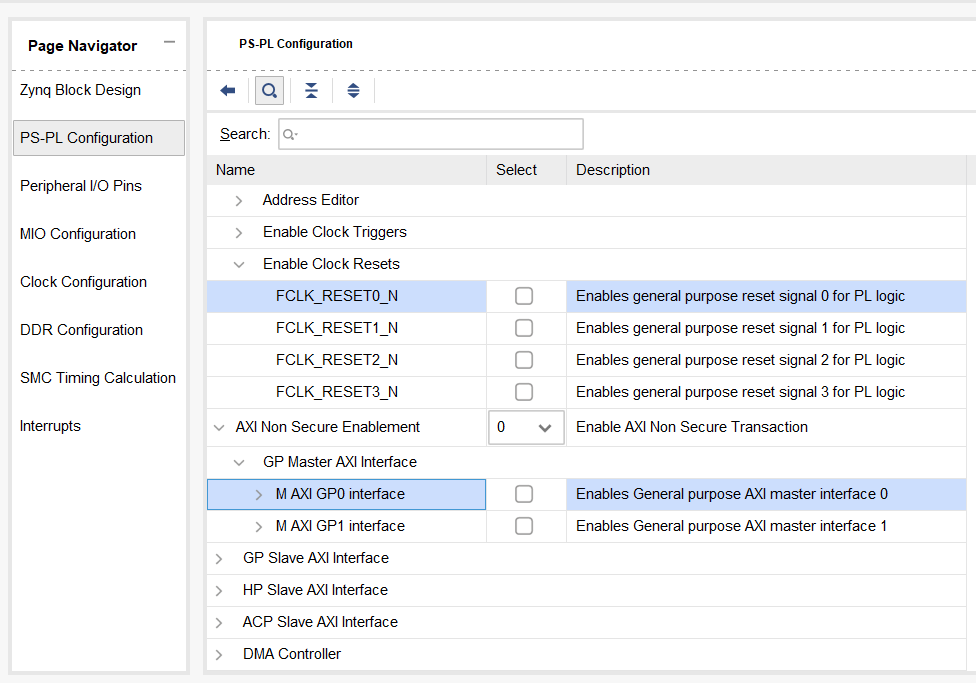
双击模块打开配置。

取消勾选Enable Clock Resets和GP Master AXI Interface
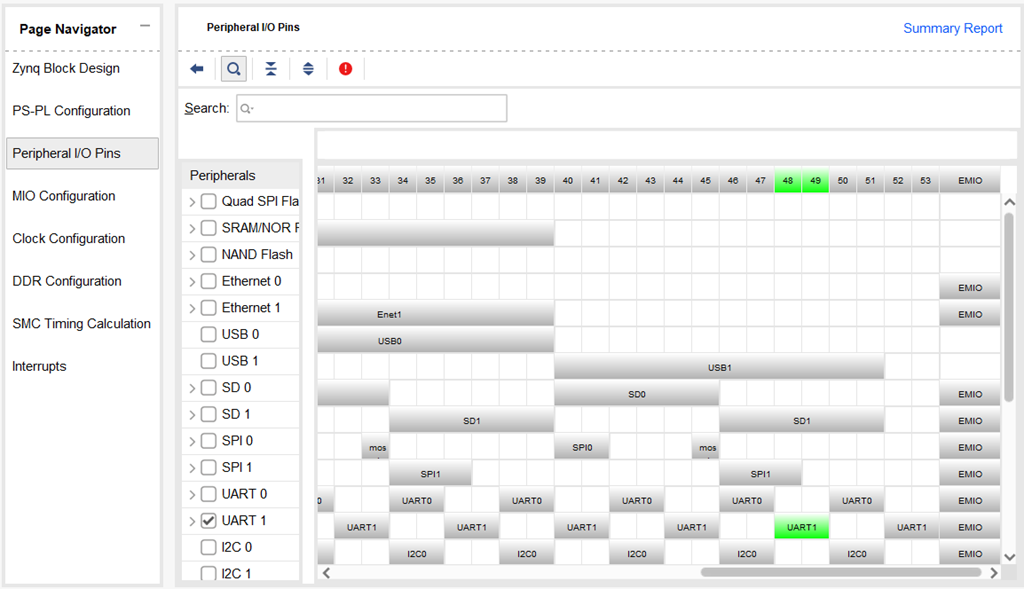
勾选UART1,对应管脚48、49。
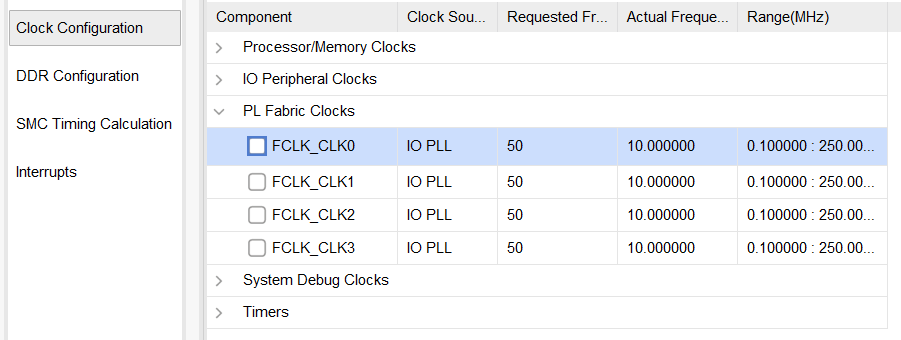
取消对外提供的时钟。
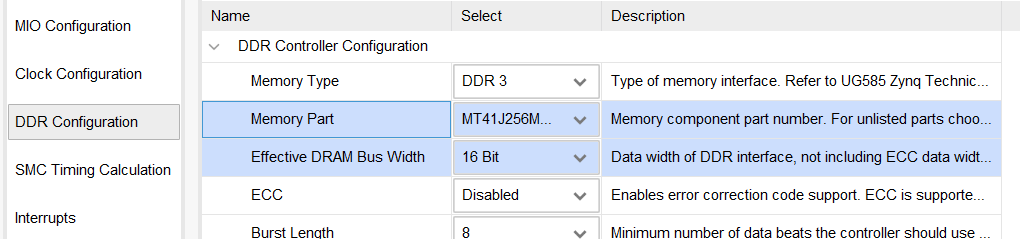
DDR3配置,选择型号和位宽。
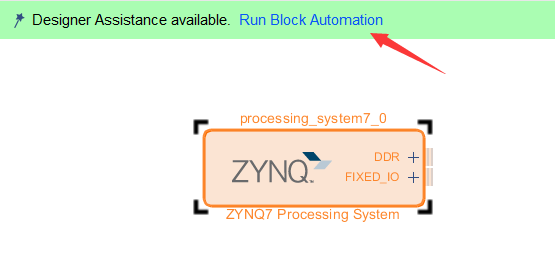
点击Run Block Automation,自动连接模块。
生成输出文件,包括bd图表文档里面所有的IP核的例化硬件代码文件、仿真相关文件等。
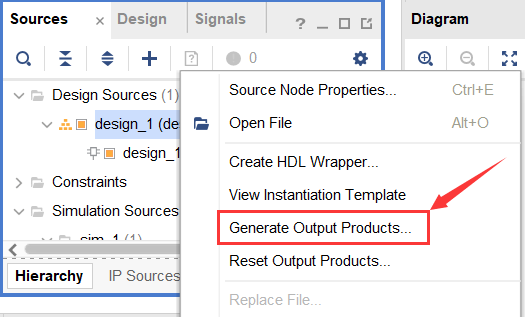
自动创建工程的顶层例化文件。

导出硬件描述文件。该文件会在后面的软件SDK环境中用到,也是整个软件代码的硬件核心文件。
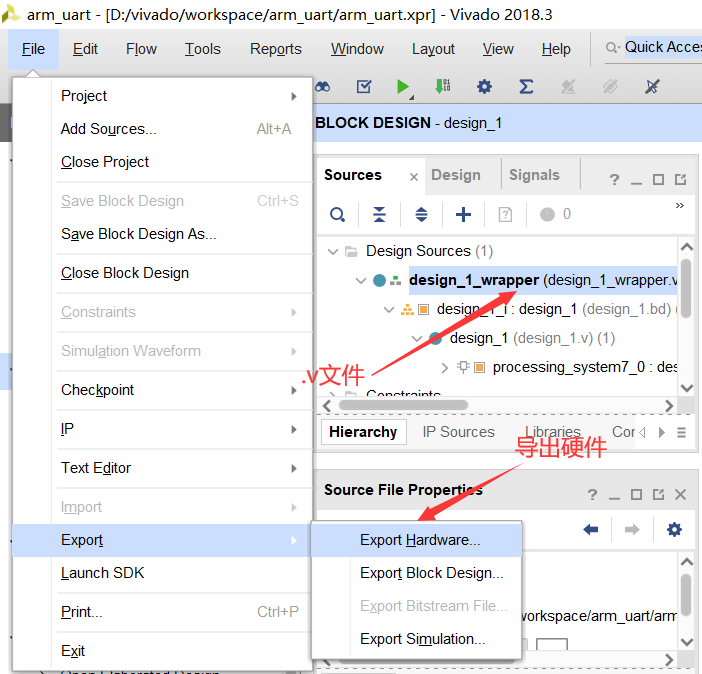
启动SDK。File→Launch SDK。
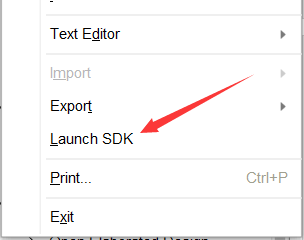
2. SDK下的代码开发
新建一个application工程。File→New→Application Project。

连接开发板。进入调试。


查看串口号。

打开串口工具。Window→Show View→Other。
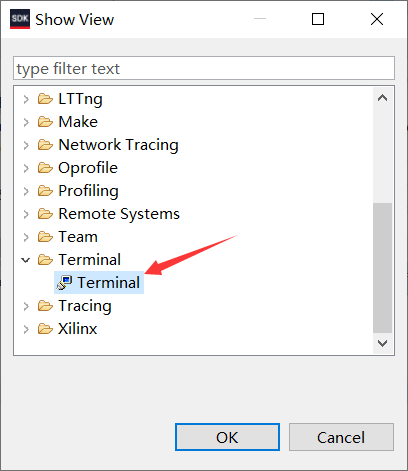
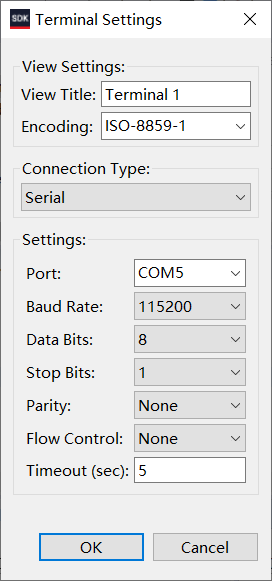
进行串口连接并进行设置。

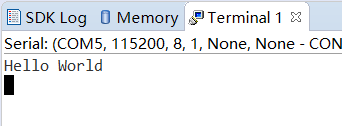
运行程序,可以看到Terminal窗口中出现了helloworld输出。