继续介绍zabbix监控企业应用的实例,本次介绍zabbix监控dns,我监控的dns为bind 9.8.2,本dns为公网dns,是为了解决公司内网服务器自动化所需求的dns解析,比如目前的puppet或者salt软件,如果结合dns,管理起来更方便,对于管理服务器来说,如果搬迁机房或者硬件出现故障,如果有dns解析,那么直接切换域名,30s内生效,这样故障恢复的时间就会更短,总之有dns做解析的好处多多,这里就不多介绍,如何的安装可以参考我的文章http://dl528888.blog.51cto.com/blog/2382721/1249311(centos 6.2安装bind 9.8.2 master、slave与自动修改后更新)
一、客户端操作
1.登陆dns部署的服务器,安装zabbix客户端,然后客户端的配置文件里,比如我的是/usr/loca/zabbix/conf/zabbix_agentd.conf里添加
UserParameter=check_dns[*],/usr/bin/sudo/usr/local/zabbix/bin/zabbix_monitor_dns.sh $1
然后在cd /usr/local/zabbix/bin/
添加一个zabbix_monitor_dns.sh文件,内容为
|
1
2
3
4
5
6
7
8
9
10
11
12
13
14
15
16
17
18
19
20
21
22
23
24
25
26
27
28
29
30
31
32
33
34
35
36
37
38
39
40
41
42
43
44
45
46
47
48
49
50
51
52
53
54
55
56
57
58
59
60
61
62
63
64
65
66
67
68
69
70
71
72
73
74
75
76
77
78
79
80
81
|
#!/bin/bashnamed_stats='/tmp/named_stats.txt'
###++ Incoming Requests ++Incoming_QUERY=`awk '/QUERY/{print $1}' $named_stats`
Incoming_RESERVED9=`awk '/RESERVED9/{print $1}' $named_stats`
###++ Incoming Queries ++Incoming_A=`grep A $named_stats |awk 'NR==1{print $1}'`
Incoming_SOA=`grep SOA $named_stats |awk 'NR==1{print $1}'`
Incoming_PTR=`grep PTR $named_stats |awk 'NR==1{print $1}'`
Incoming_MX=`grep MX $named_stats |awk 'NR==1{print $1}'`
Incoming_TXT=`grep TXT $named_stats |awk 'NR==1{print $1}'`
Incoming_AAAA=`grep AAAA $named_stats |awk 'NR==1{print $1}'`
Incoming_A6=`grep A6 $named_stats |awk 'NR==1{print $1}'`
Incoming_IXFR=`grep IXFR $named_stats |awk 'NR==1{print $1}'`
Incoming_ANY=`grep ANY $named_stats |awk 'NR==1{print $1}'`
###++ Outgoing Queries ++Outgoing_A=`grep "\<A\>" $named_stats |awk 'NR==2{print $1}'`
Outgoing_NS=`grep NS $named_stats |awk 'NR==1{print $1}'`
Outgoing_PTR=`grep PTR $named_stats |awk 'NR==2{print $1}'`
#Outgoing_AAAA=`grep NS $named_stats |awk 'NR==2{print $1}'`
Outgoing_DNSKEY=`grep DNSKEY $named_stats |awk 'NR==1{print $1}'`
Outgoing_ANY=`grep ANY $named_stats |awk 'NR==2{print $1}'`
Outgoing_DLV=`grep DLV $named_stats |awk 'NR==2{print $1}'`
###++ Name Server Statistics ++Statistics_IPv4_requests=`grep "IPv4 requests received" $named_stats |awk 'NR==1{print $1}'`
Statistics_requests_received=`grep "requests with EDNS(0) received" $named_stats |awk 'NR==1{print $1}'`
Statistics_TCP_requests=`grep "TCP requests received" $named_stats |awk 'NR==1{print $1}'`
Statistics_queries_rejected=`grep "recursive queries rejected" $named_stats |awk 'NR==1{print $1}'`
Statistics_responses_sent=`grep "responses sent" $named_stats |awk 'NR==1{print $1}'`
Statistics_EDNS_sent=`grep "responses with EDNS(0) sent" $named_stats |awk 'NR==1{print $1}'`
Statistics_successful_answer=`grep "queries resulted in successful answer" $named_stats |awk 'NR==1{print $1}'`
Statistics_authoritative_answer=`grep "queries resulted in authoritative answer" $named_stats |awk 'NR==1{print $1}'`
Statistics_non_authoritative_answer=`grep "queries resulted in non authoritative answer" $named_stats |awk 'NR==1{print $1}'`
Statistics_nxrrset=`grep "queries resulted in nxrrset" $named_stats |awk 'NR==1{print $1}'`
Statistics_SERVFAIL=`grep "queries resulted in SERVFAIL" $named_stats |awk 'NR==1{print $1}'`
Statistics_NXDOMAIN=`grep "queries resulted in NXDOMAIN" $named_stats |awk 'NR==1{print $1}'`
Statistics_recursion=`grep "queries resulted in recursion" $named_stats |awk 'NR==1{print $1}'`
Statistics_received=`grep "queries resulted in received" $named_stats |awk 'NR==1{print $1}'`
Statistics_dropped=`grep "queries resulted in dropped" $named_stats |awk 'NR==1{print $1}'`
###++ Resolver Statistics ++Resolver_sent=`grep "IPv4 queries sent" $named_stats |awk 'NR==1{print $1}'`
Resolver_received=`grep "IPv4 responses received" $named_stats |awk 'NR==1{print $1}'`
#Resolver_NXDOMAIN_received=`grep "" $named_stats |awk 'NR==1{print $1}'`
#Resolver_responses_received=`sed -n '49p' $named_stats |sed 's/^[ \t]*//g'|cut -d ' ' -f 1`
#Resolver_delegations_received=`sed -n '50p' $named_stats |sed 's/^[ \t]*//g'|cut -d ' ' -f 1`
Resolver_query_retries=`grep "query retries" $named_stats |awk 'NR==1{print $1}'`
Resolver_query_timeouts=`grep "query timeouts" $named_stats |awk 'NR==1{print $1}'`
Resolver_fetches=`grep "IPv4 NS address fetches" $named_stats |awk 'NR==1{print $1}'`
#Resolver_fetch_failed=`sed -n '54p' $named_stats |sed 's/^[ \t]*//g'|cut -d ' ' -f 1`
Resolver_validation_attempted=`grep "DNSSEC validation attempted" $named_stats |awk 'NR==1{print $1}'`
Resolver_validation_succeeded=`grep "DNSSEC validation succeeded" $named_stats |awk 'NR==1{print $1}'`
Resolver_NX_validation_succeeded=`grep "DNSSEC NX validation succeeded" $named_stats |awk 'NR==1{print $1}'`
Resolver_RTT_10ms=`grep "queries with RTT < 10ms" $named_stats |awk 'NR==1{print $1}'`
Resolver_RTT_100ms=`grep "queries with RTT 10-100ms" $named_stats |awk 'NR==1{print $1}'`
Resolver_RTT_500ms=`grep "queries with RTT 100-500ms" $named_stats |awk 'NR==1{print $1}'`
Resolver_RTT_800ms=`grep "queries with RTT 500-800ms" $named_stats |awk 'NR==1{print $1}'`
Resolver_RTT_1600ms=`grep "queries with RTT 800-1600ms" $named_stats |awk 'NR==1{print $1}'`
#Resolver_RTT_gt_1600ms=`sed -n '63p' $named_stats |sed 's/^[ \t]*//g'|cut -d ' ' -f 1`
###++ Cache DB RRsets ++Cache_A=`grep "\<A\>" $named_stats |awk 'NR==3{print $1}'`
Cache_NS=`grep "\<NS\>" $named_stats |awk 'NR==3{print $1}'`
#Cache_CNAME=`sed -n '69p' $named_stats |sed 's/^[ \t]*//g'|cut -d ' ' -f 1`
#Cache_SOA=`sed -n '70p' $named_stats |sed 's/^[ \t]*//g'|cut -d ' ' -f 1`
#Cache_PTR=`sed -n '71p' $named_stats |sed 's/^[ \t]*//g'|cut -d ' ' -f 1`
Cache_AAAA=`grep "\<AAAA\>" $named_stats |awk 'NR==2{print $1}'`
Cache_DS=`grep "DS" $named_stats |awk 'NR==1{print $1}'`
Cache_RRSIG=`grep "RRSIG" $named_stats |awk 'NR==1{print $1}'`
Cache_NSEC=`grep "NSEC" $named_stats |awk 'NR==1{print $1}'`
Cache_DNSKEY=`grep "DNSKEY" $named_stats |awk 'NR==2{print $1}'`
#Cache_AAA=`sed -n '77p' $named_stats |sed 's/^[ \t]*//g'|cut -d ' ' -f 1`
Cache_cDLV=`grep "DLV" $named_stats |awk 'NR==2{print $1}'`
#Cache_NXDOMAIN=`sed -n '79p' $named_stats |sed 's/^[ \t]*//g'|cut -d ' ' -f 1`
###++ Socket I/O Statistics ++Socket_UDP_opened=`grep "UDP/IPv4 sockets opened" $named_stats |awk 'NR==1{print $1}'`
Socket_TCP_opened=`grep "TCP/IPv4 sockets opened" $named_stats |awk 'NR==1{print $1}'`
Socket_UDP_closed=`grep "UDP/IPv4 sockets closed" $named_stats |awk 'NR==1{print $1}'`
Socket_TCP_closed=`grep " TCP/IPv4 sockets closed" $named_stats |awk 'NR==1{print $1}'`
Socket_UDP_established=`grep "UDP/IPv4 connections established" $named_stats |awk 'NR==1{print $1}'`
Socket_TCP_established=`grep "TCP/IPv4 connections accepted" $named_stats |awk 'NR==1{print $1}'`
Socket_TCP_accepted=`grep "TCP/IPv4 recv errors" $named_stats |awk 'NR==1{print $1}'`
eval echo \$$1
|
这个脚本的内容就是监控bind管理工具rndc stats产生的一个dns状态信息文件named_stats.txt,这个文件的地址是被/etc/named.conf控制,默认是在/var/named/data目录
此脚本给与755权限,zabbix用户与组
|
1
2
|
chmod 755 /usr/bin/sudo /usr/local/zabbix/bin/zabbix_monitor_dns.sh
chown zabbix:zabbix /bin/bash /usr/local/zabbix/bin/zabbix_monitor_dns.sh |
然后在crontab里使用root用户添加
|
1
|
*/1 * * * * /bin/bash /usr/local/zabbix/bin/monitor_dns.sh
|
/usr/local/zabbix/bin/monitor_dns.sh的内容为
|
1
2
3
4
5
6
7
|
#!/bin/bashnamed_stats='/var/named/data/named_stats.txt'
if [ -e $named_stats ];then
rm -rf $named_stats
fi/usr/sbin/rndc stats >>/dev/null 2>&1
mv $named_stats /tmp/ |
这个脚本的作用是每1分钟运行一次rndc status命令,然后把named_stats.txt放到tmp目录下,如果在旧目录里已有这个文件就删除(这样做是因为rndc stats运行后会不断的把信息追加到文件里,而不是覆盖,为了统计方便才删除旧文件,在运行命令生成新文件)
给与脚本755权限
重启zabbix agent服务
|
1
2
|
ps -ef|grep zabbix|grep -v grep|awk '{print $2}'|xargs kill -9
/usr/local/zabbix/sbin/zabbix_agentd -c /usr/local/zabbix/conf/zabbix_agentd.conf |
二、zabbix服务端操作
1.在zabbix的web界面里连接监控dns模板
在web里选择配置-模板
然后选择导入
然后把之前下载的dns模板。
然后在选择主机加入这个模板即可。
下面是监控的效果图
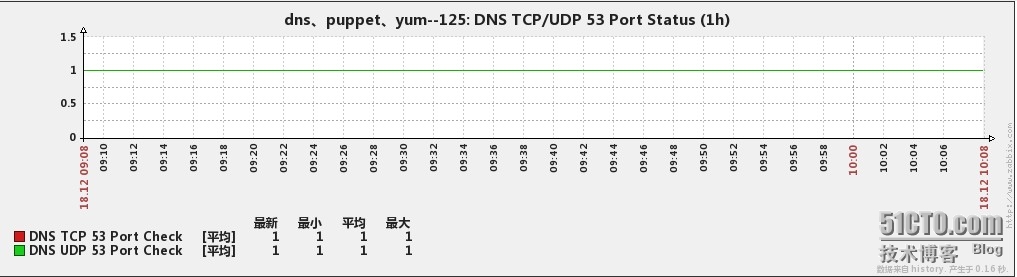
1、dns的tcp/udp 53端口的监控
2、Incoming Requests

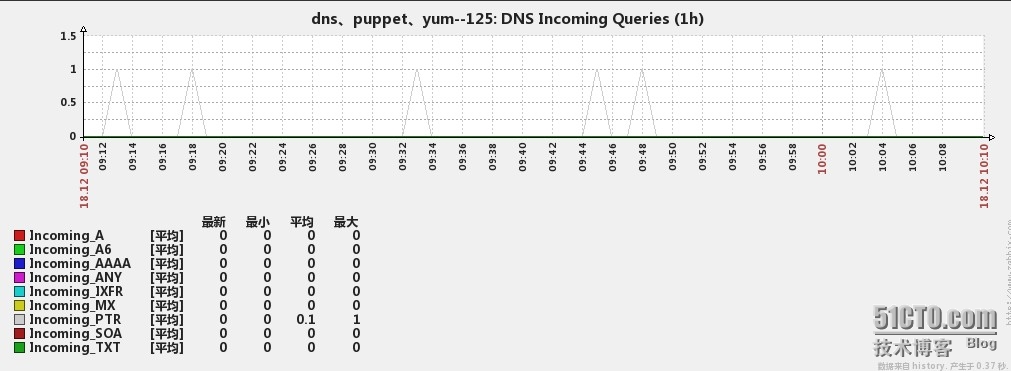
3、Incoming Queries
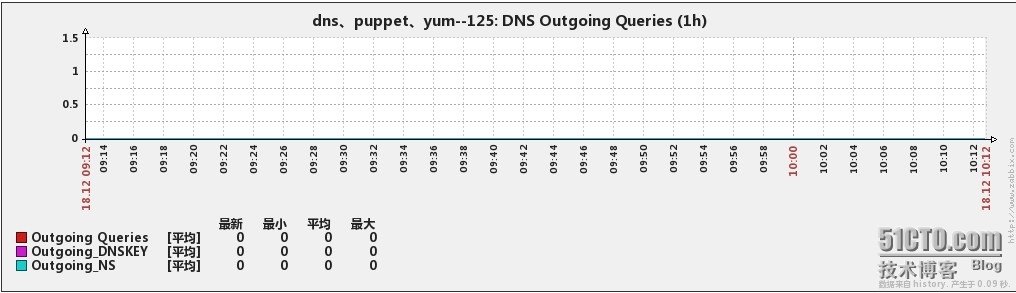
4、Outgoing Queries
5、Name Server Statistics

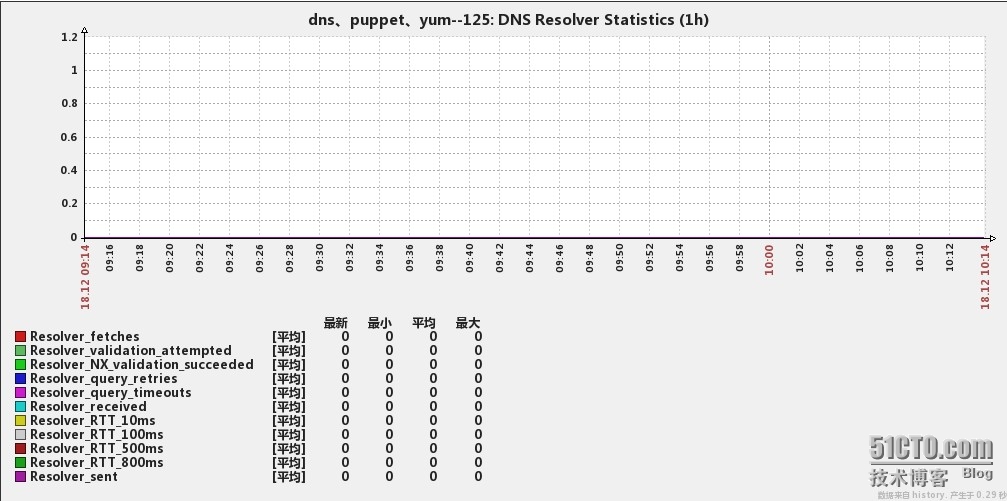
6、Resolver Statistics
7、Cache DB RRsets

8、Socket I/O Statistics
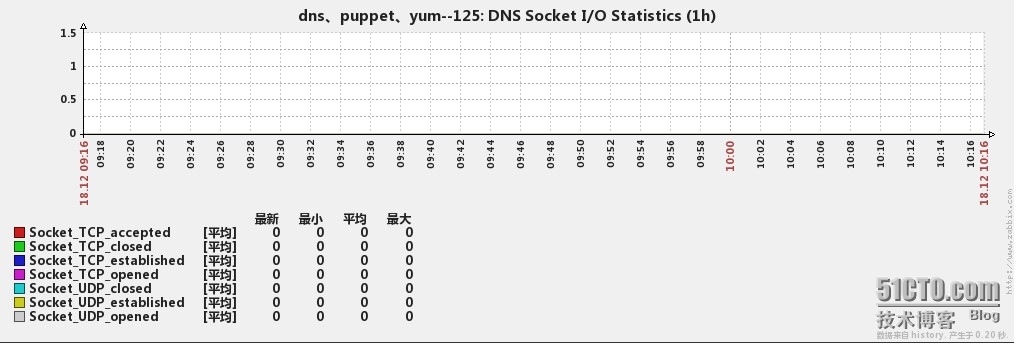
目前监控展示方式为增量变化,所以图上显示的值肯定比named_stats.txt里的少。建议还是大家自己根据需要来修改与优化,我这个只是提供一个样例而已,模拟在附件里。
本文出自 “吟—技术交流” 博客,请务必保留此出处http://dl528888.blog.51cto.com/2382721/1341799