尝试运行程序,出现此异常提示Unable to launch the IIS Express Web server.
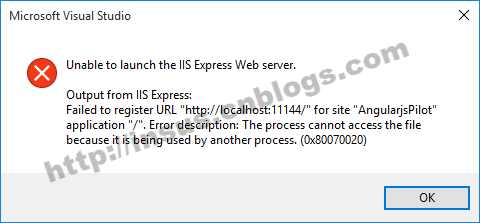
解决问题,是把网址修改为另一个试试:
把http://localhost:11144/改为http://localhost:11145/
修改方法如下:
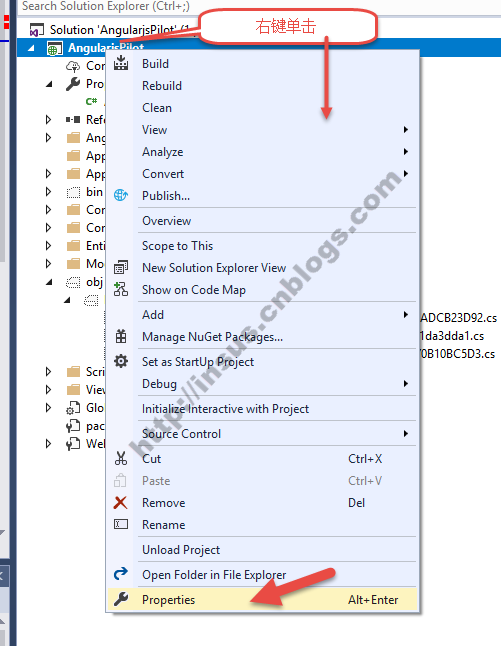
在Project的Solution Explorer,对Project Name右键单击,打开properties。
修改project url,由http://localhost:11144/改为http://localhost:11145/
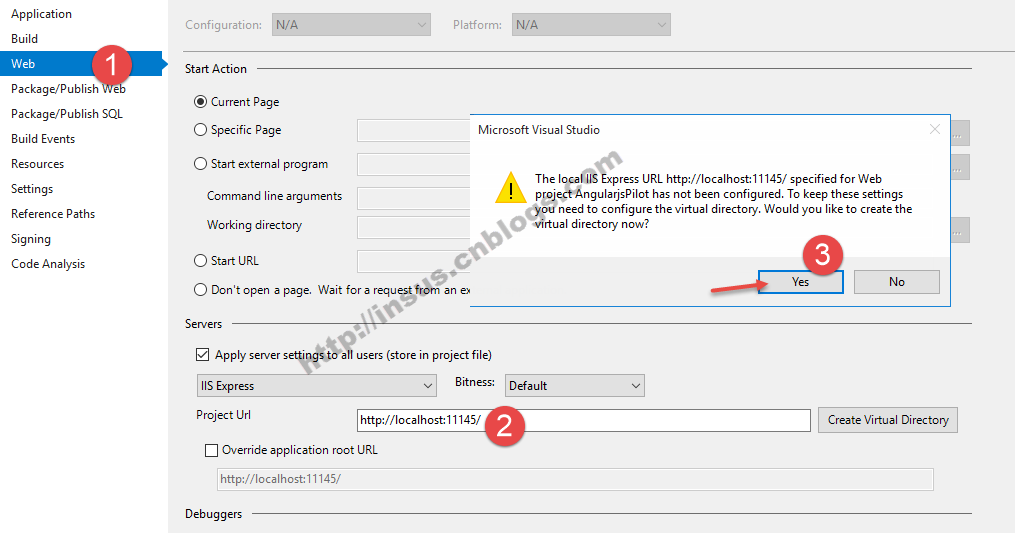
关闭VS,再次打开project,然后运行。