一、隐藏Nginx服务器出现403、404错误访问页面时显示的Nginx版本号
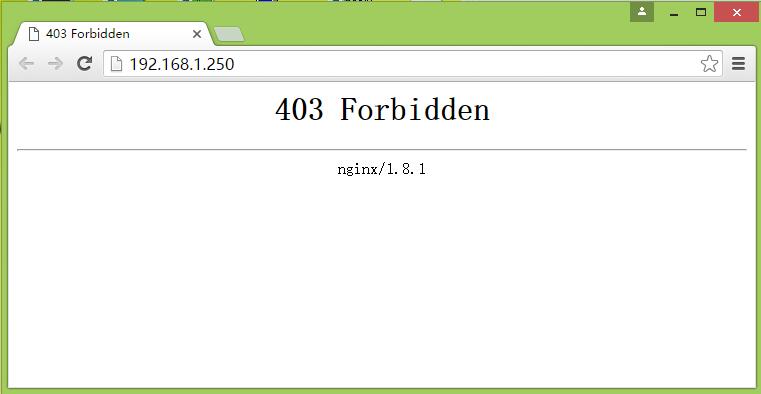
1、在nginx虚拟机主机配置文件中的server模块中增加一行server_tokens指令,指定关闭(off)显示版本号
|
1
2
3
4
5
6
7
|
server { listen 80;
server_name 192.168.1.250;
index index.html index.htm index.php index.jsp;
server_tokens off;
root /data/www/html;
access_log /var/log/nginx/wordpress.access.log combined_realip;
|

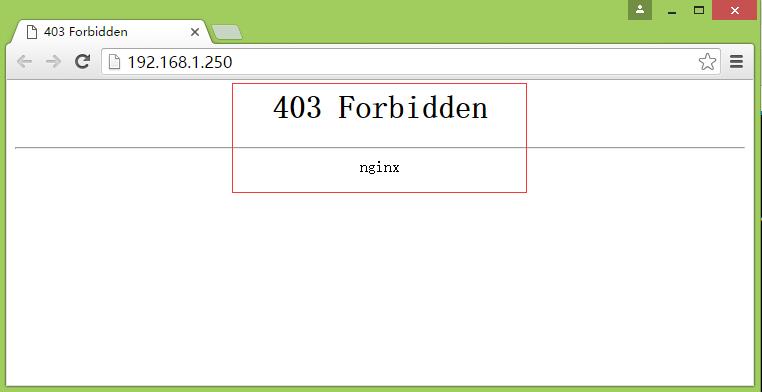
2、重启或重新加载Nginx服务器,测试访问
本文转自 HMLinux 51CTO博客,原文链接:http://blog.51cto.com/7424593/1742304