Hose for 3dsMax 软管建模工具使用教程
1.下载Hose for 3dmax软管建模工具脚本。下载地址:
http://www.bbvbb.com/software.php?mod=hose
2.在Max中绘制一条软管走向的路径。(二维样条线)
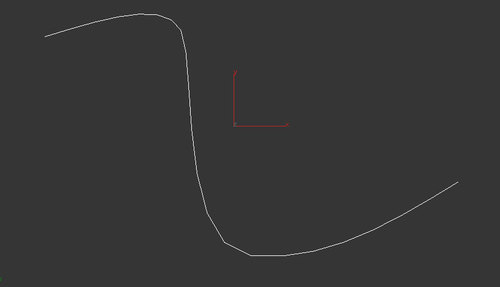
3.主菜单->脚本->运行脚本:
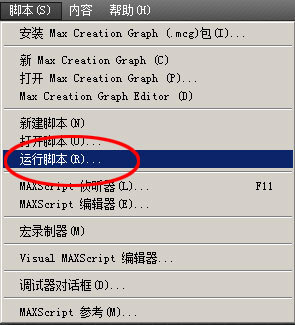
【运行脚本】
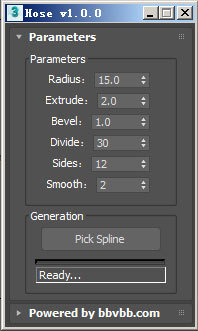
【Hose界面】
4.参数设置:如上图(Hose界面)
Radius(半径):软管粗细
Extrude、Bevel:软管波纹形状
Divide:软管波纹数量
Sides、Smooth:软管平滑控制
5.设置好参数,点击“Pick Spline”按钮,然后在视图中拾取步骤2中创建的样条线。稍等片刻,软管生成。

【生成的软管】
转载于:https://blog.51cto.com/mufenglaoshi/1896891