原文地址:http://www.bubblyyi.com/2017/05/04/spring-boot%E5%BF%AB%E9%80%9F%E6%90%AD%E5%BB%BAweb%E5%BA%94%E7%94%A8%E6%95%99%E7%A8%8B%E4%BA%8C-helloworld/
SPRING BOOT快速搭建WEB应用教程(二)—HELLOWORLD
一、创建工程
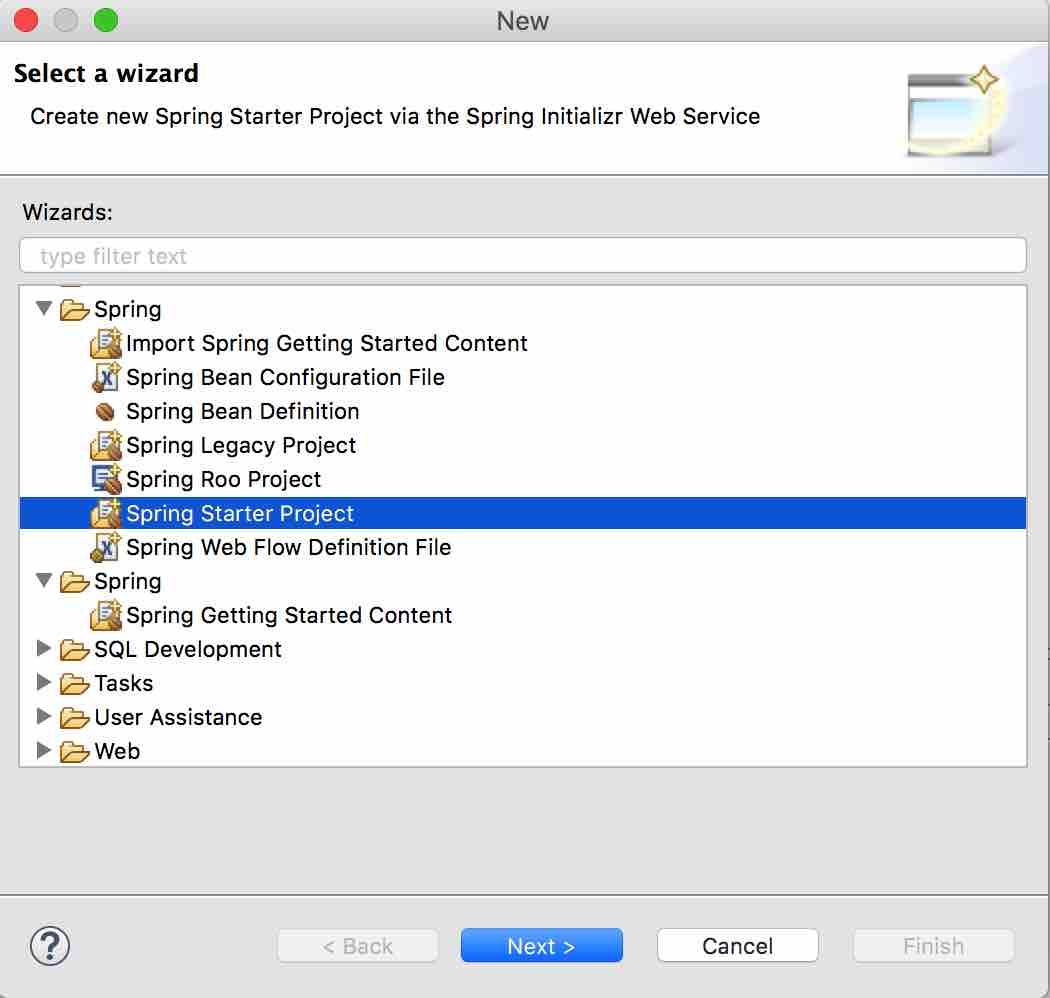
创建名称为”HelloWorld_SpringBoot”的spring boot工程, new->Spring Starter Project
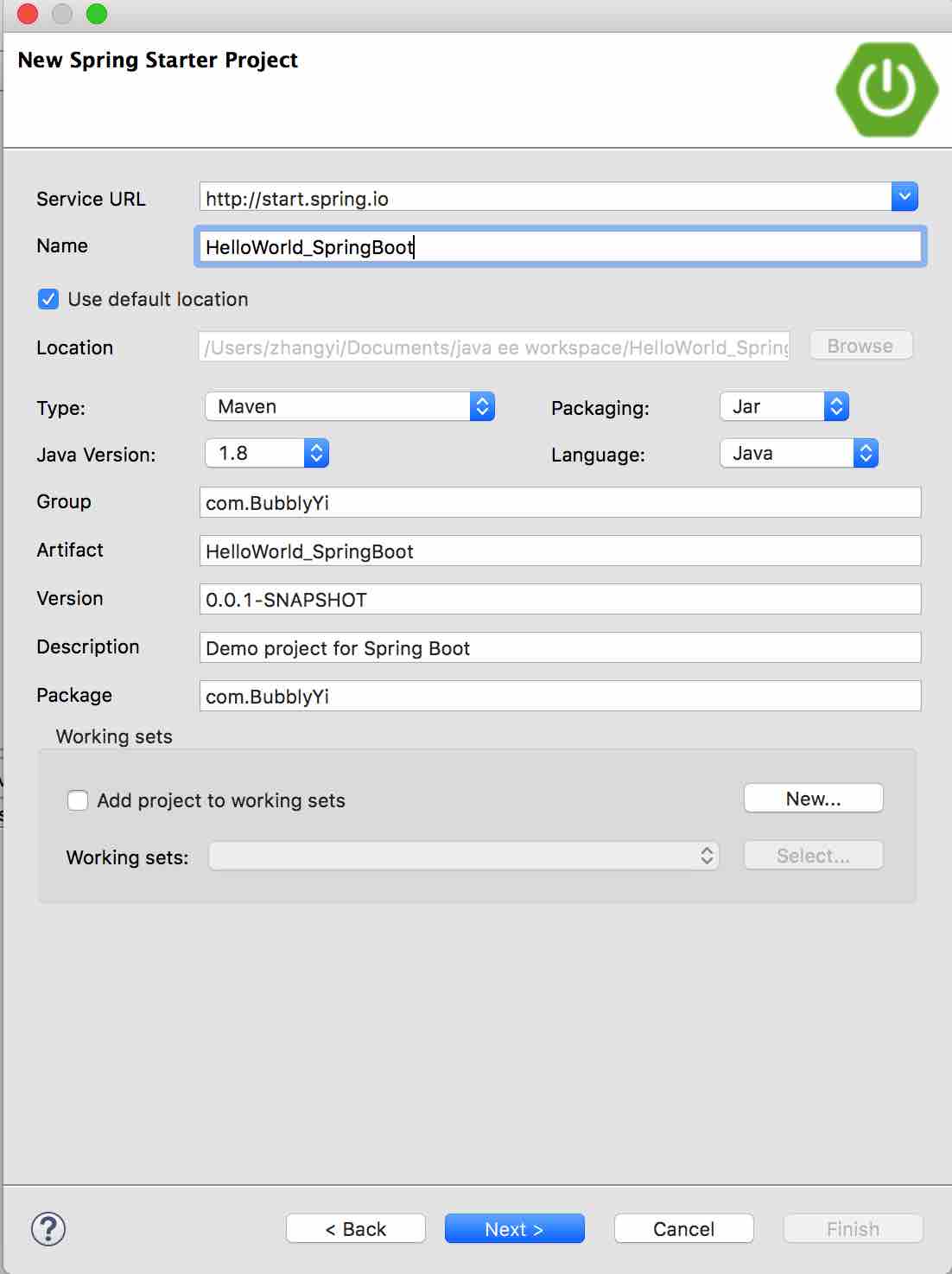
勾选需要的业务:
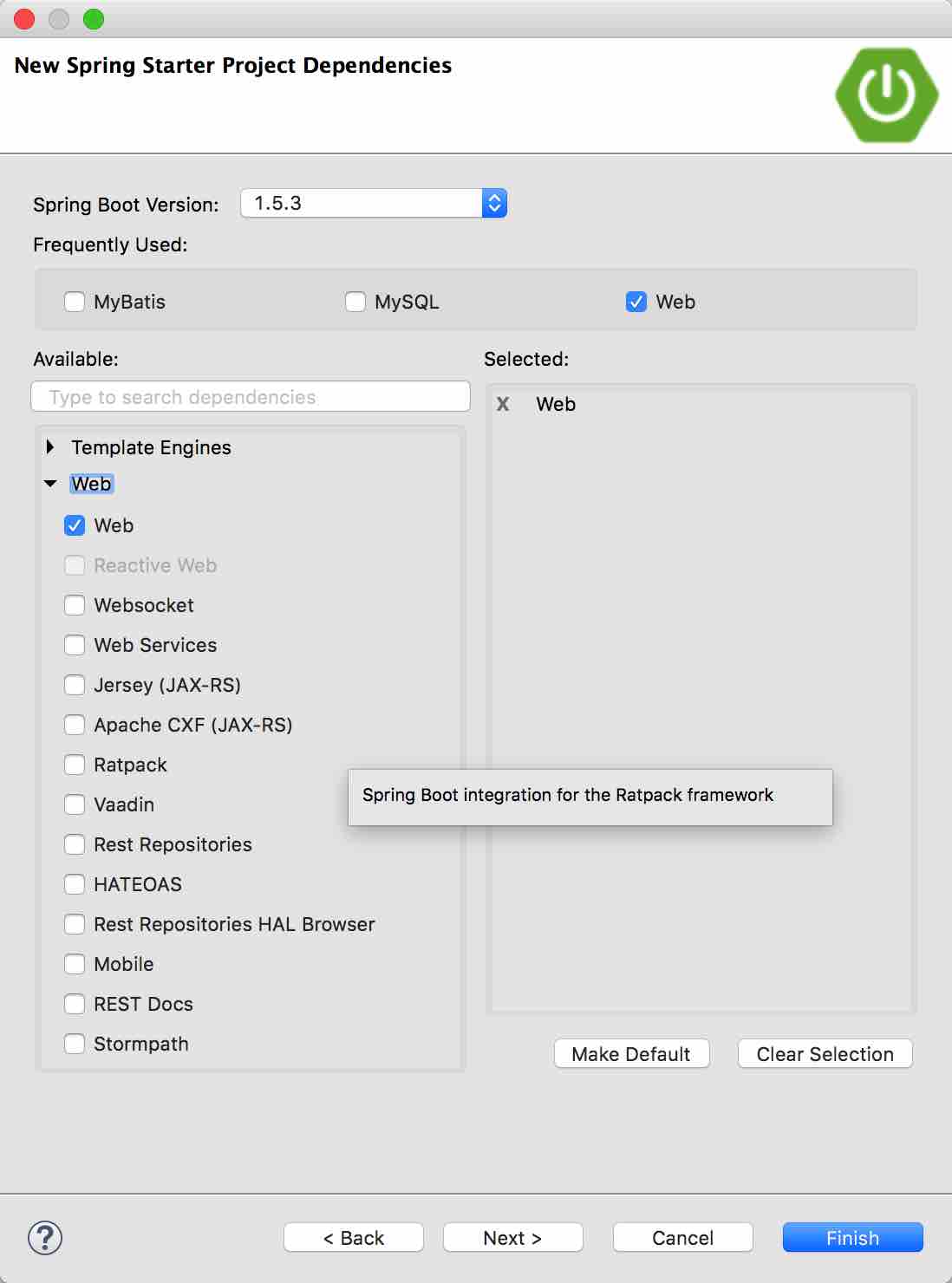
二、开始编码
创建HelloController
启动项目
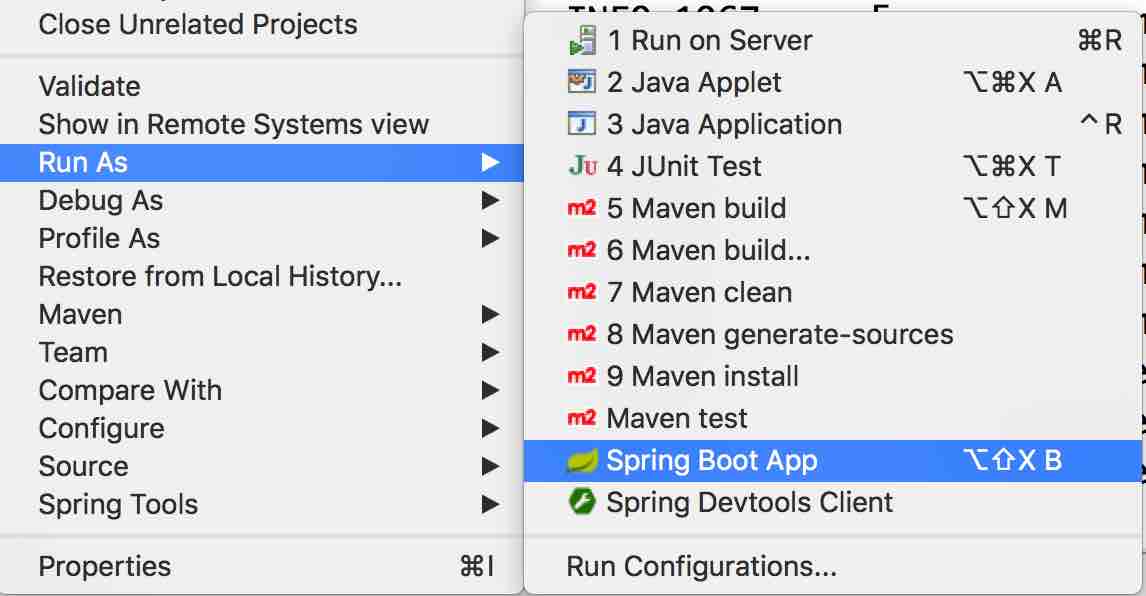
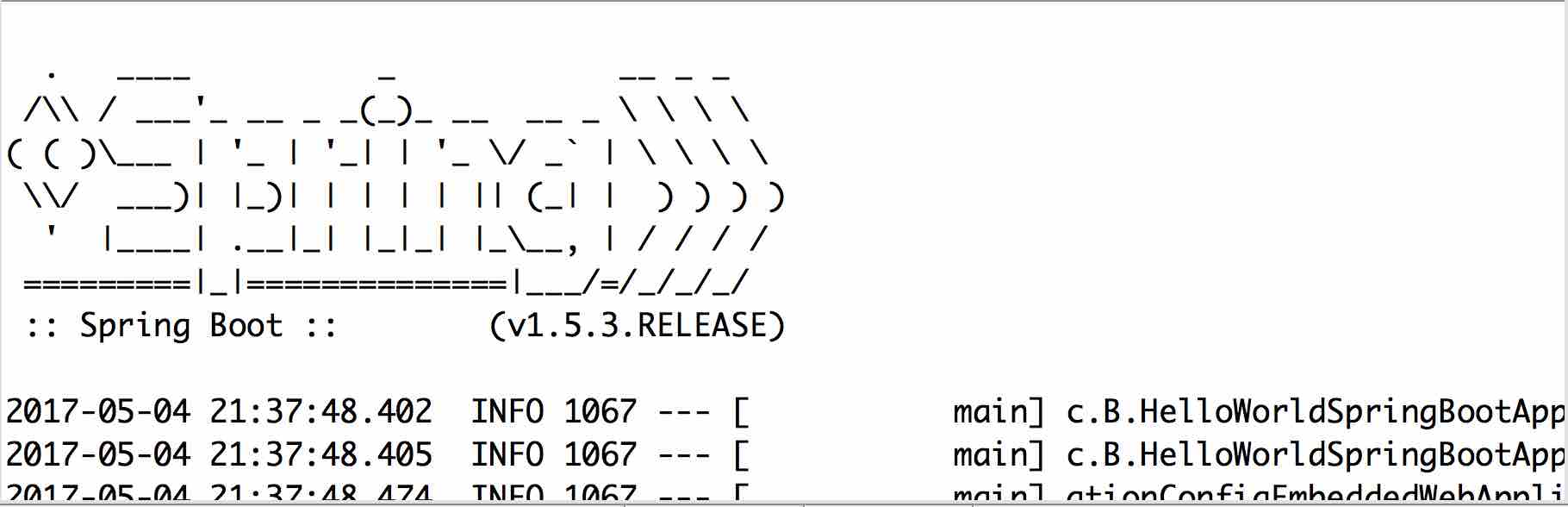
你的控制台会输入这样的信息
当出现 Started HelloWorldSpringBootApplication 字样时表示项目启动成功!
我们在浏览器中敲入http://localhost:8080/index/hello 就会出现以下信息。

至此呢,第一个HelloWorld web程序就写好啦~~~是不是很方便呢?