,上传win7镜像文件到/images/iso/文件夹下
2,开始安装
|
1
|
[[email protected] qemu]# virt-install --name=win7 --ram 512 --vcpus=2 --disk path=/images/test/win7.img,size=8 --accelerate --cdrom /images/iso/cn_windows_7_professional_x86_dvd_x15-65790.iso --vnc --vncport=5915 --vnclisten=0.0.0.0 --network bridge=br0 --force --autostart
|
具体的安装信息如下:
|
1
2
3
4
5
6
7
8
9
10
11
12
13
14
15
16
17
18
|
[[email protected] qemu]# virt-install --name=win7 --ram 512 --vcpus=2 --disk path=/images/test/win7.img,size=8 --accelerate --cdrom /images/iso/cn_windows_7_professional_x86_dvd_x15-65790.iso --vnc --vncport=5915 --vnclisten=0.0.0.0 --network bridge=br0 --force --autostart
WARNING KVM acceleration not available, using 'qemu'
Starting install...
Creating storage file win7.img | 8.0 GB 00:00
Creating domain... | 0 B 00:00 Cannot open display:
Run 'virt-viewer --help' to see a full list of available command line options
Domain installation still in progress. You can reconnect to
the console to complete the installation process.[[email protected] qemu]# virsh list --all
Id Name State
---------------------------------------------------- 14 hadoop1 running
15 hadoop3 running
16 hadoop4 running
17 win7 running
- hadoop2 shut off
- oeltest01 shut off
|
3,通过vnc来连接控制台进行安装
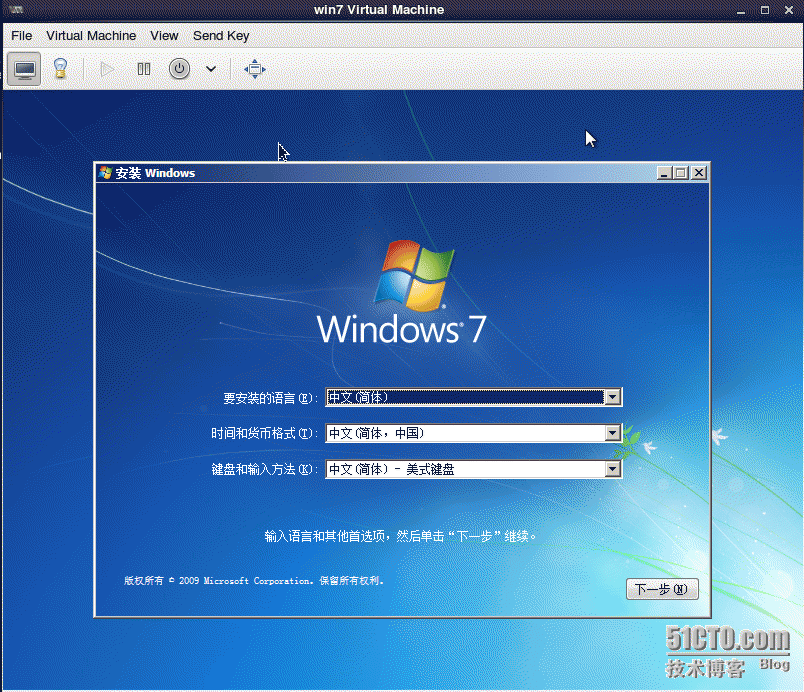
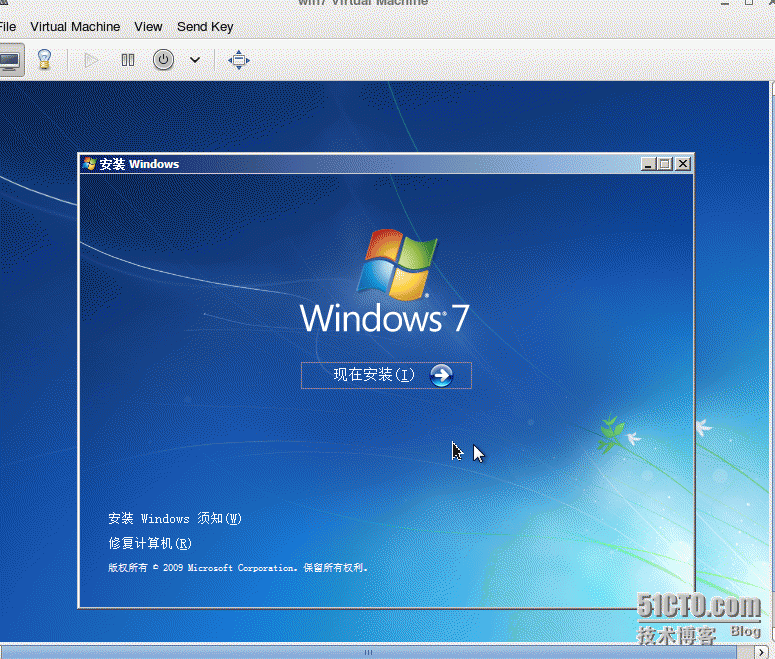
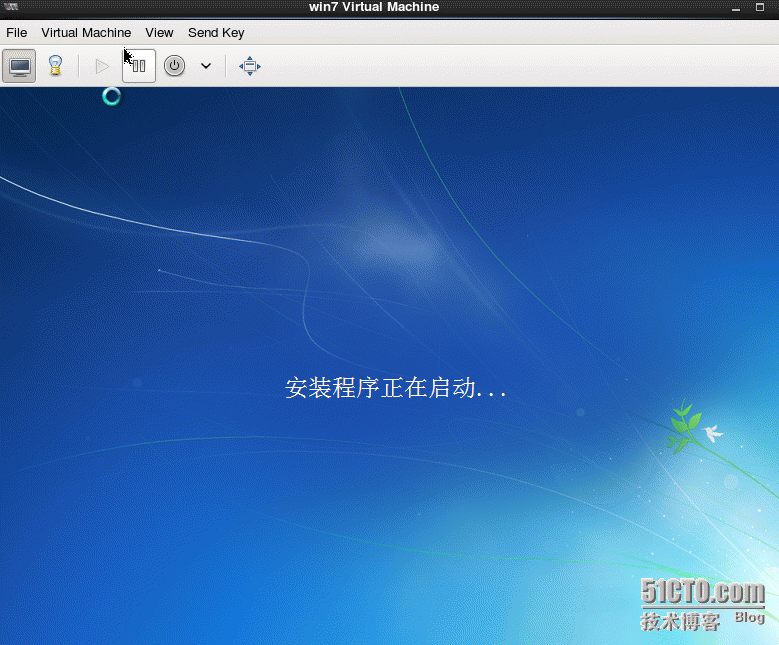
查看该虚拟机:
|
1
2
3
4
5
6
|
Id Name State
---------------------------------------------------- 16 hadoop4 running
21 win7 runnin
|
本文转自 lqbyz 51CTO博客,原文链接:http://blog.51cto.com/liqingbiao/1740702